

Step-by-step guide
How to detect internal LCD screen damage on a used phone that looks in mint condition
Short answer: to detect internal LCD damage on a phone that looks in mint condition, turn it on, then shine a strong light at an angle across the glass and look for a thin, hair-like line or a tiny crack near the edges. If the screen stays black or barely glows while the phone still vibrates or flashes when you plug it in, the display panel inside is cracked and the motherboard is probably fine.
This is a common surprise when you buy a used phone online. The pictures show a perfect phone with no scratches, the seller says the screen is good, and when it arrives nothing shows on the display. In the video, Gabriel shows two Samsung Galaxy S10 phones that look flawless on the outside but have a cracked screen inside, and how to find that damage even when it is almost invisible.
In this guide you will learn what an internal screen crack looks like, the exact checks to do before you pay for a used phone or a replacement screen, how to tell a dead screen from a dead motherboard, and what your repair options are.
Note: phone people often call any phone display "the LCD". The Galaxy S10 actually uses an AMOLED panel, but the checks in this guide work the same way: the glass on top can be perfect while the display layer underneath is broken.
In this article
- Don't trust the outside condition
- Read the listing and labels carefully
- Understand why a case hides the damage
- Turn the phone on and watch the screen
- Shine a light across the screen
- Look for a line like a hair
- Check the very bottom edge
- Plug it in to see if the phone is alive
- Decide: new screen or swap the motherboard
- Use this checklist before you pay
- Why a phone screen breaks inside but not outside
- Signs of internal LCD or OLED damage
- How to test a used Samsung screen before buying
- Is it the screen or the motherboard?
- Repair options and costs
- Tips when buying a used phone online
- Frequently asked questions
- Watch the video
Step 1Don't trust the outside condition
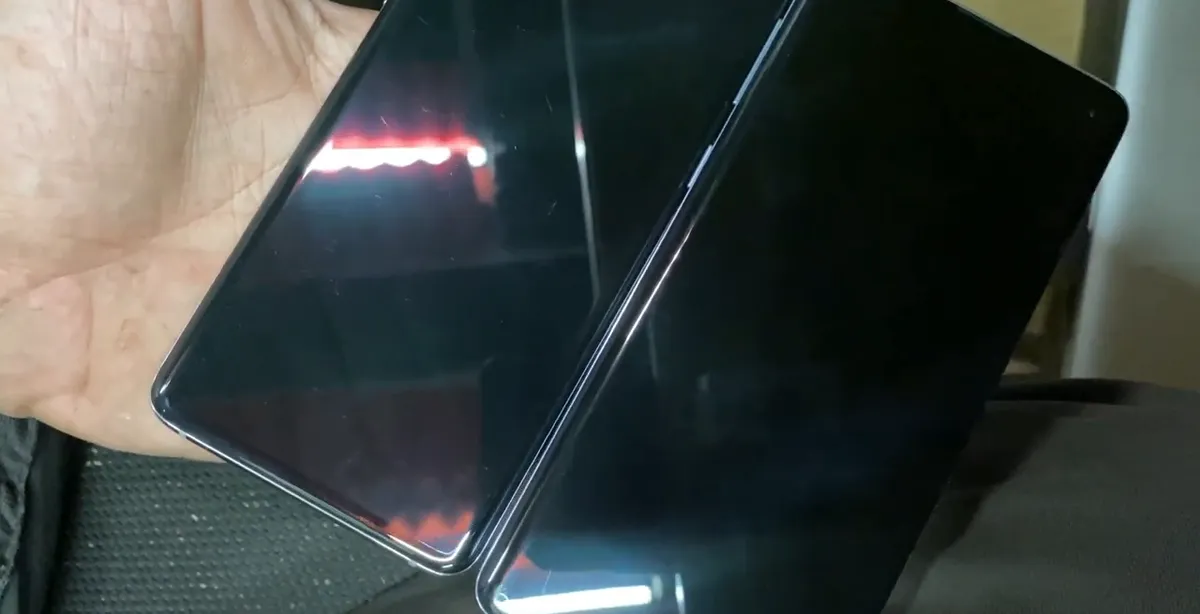
- Both phones in the video are in great shape on the outside: not even a scratch on the glass or the frame.
- Even so, both have a damaged display inside. The outer glass and the display layer are separate parts, and only the inner one is broken.
- Common mistake: assuming that "no cracks on the glass" means "good screen". Always test the display itself before you buy, sell or repair.
Step 2Read the listing and labels carefully
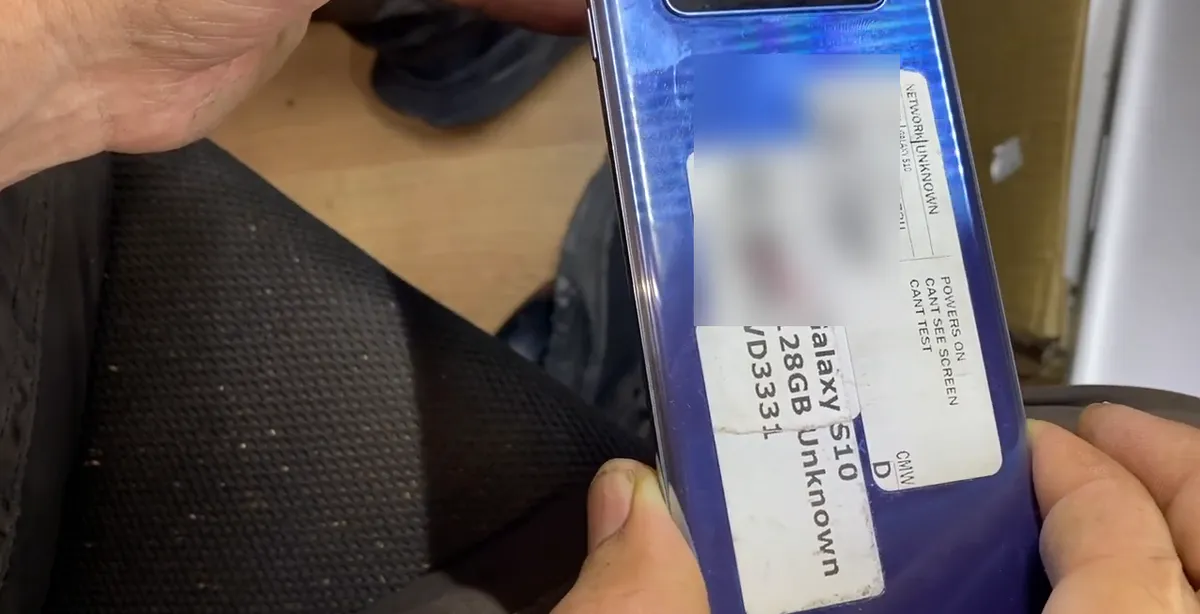
- The phone in the video was bought used after asking the seller if the screen was good. The seller said yes.
- The label on the back tells a different story: "powers on, can't see screen, can't test". In other words, the seller didn't know how to test it.
- Before you buy, ask directly: does the display show an image and respond to touch? Ask for a photo or video of the screen turned on, not just the glass turned off.
Caution: Listings that say "powers on" or "untested" without showing the screen lit up are a red flag for display damage.
Step 3Understand why a case hides the damage
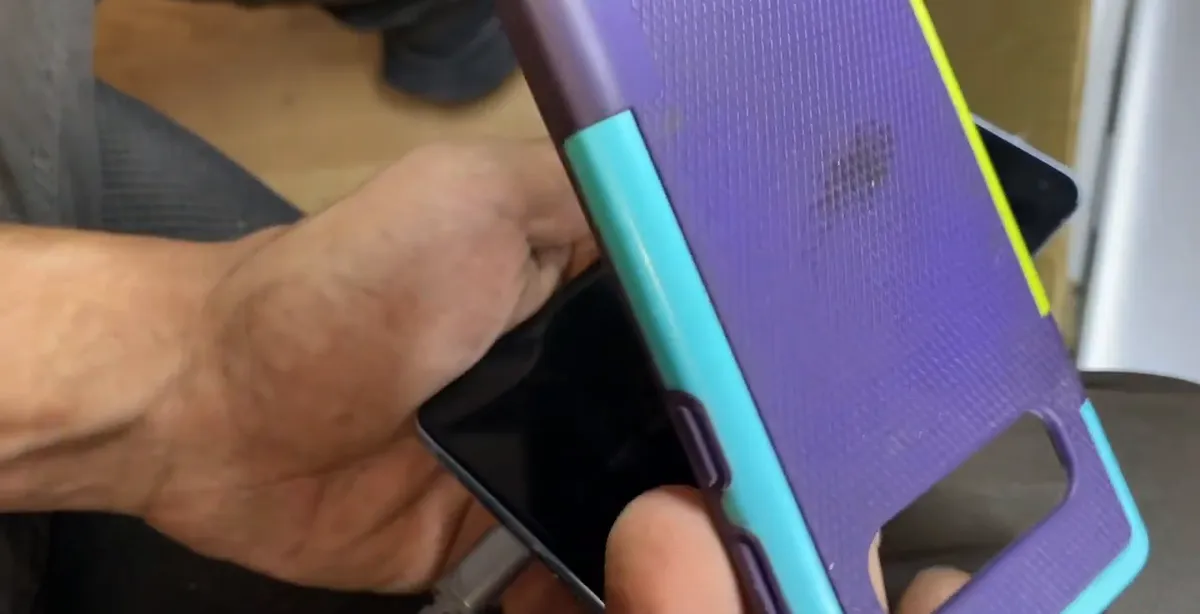
- This kind of damage usually happens to phones that had a screen protector and a case.
- When the phone falls, the case and protector save the outside, but the shock can still crack the panel inside.
- That is why a phone that "looks like new" can still have a broken display. A clean outside is not proof of anything.
Step 4Turn the phone on and watch the screen
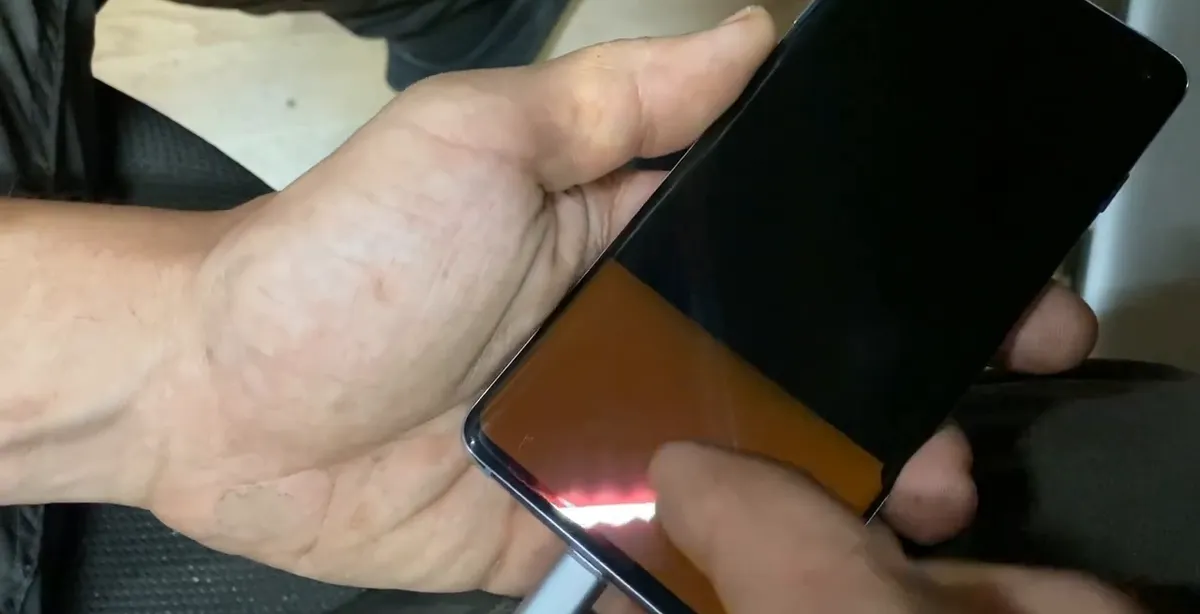
- Power the phone on and look at the whole display. On this phone the screen barely shows something at the bottom, and nothing else.
- It isn't always the same: sometimes the screen blinks, shows lines, or stays completely black.
- Tip: do this in a dim room, so even a faint glow or a flicker is easy to see.
Step 5Shine a light across the screen
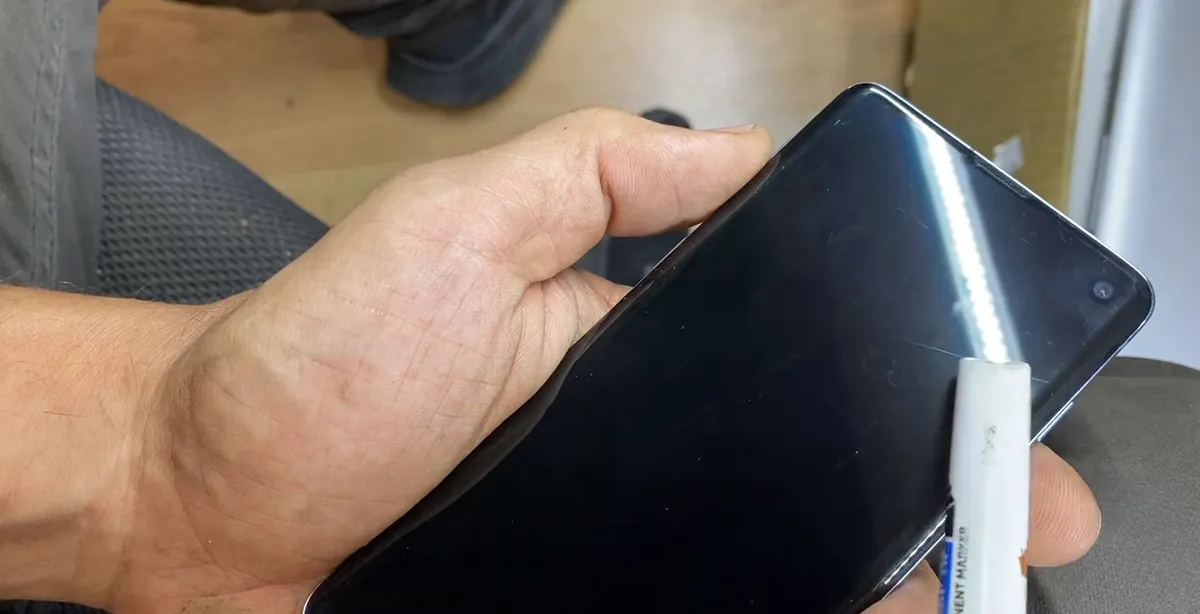
- Use a strong small light and move it around the screen at an angle, so the reflection runs across the glass.
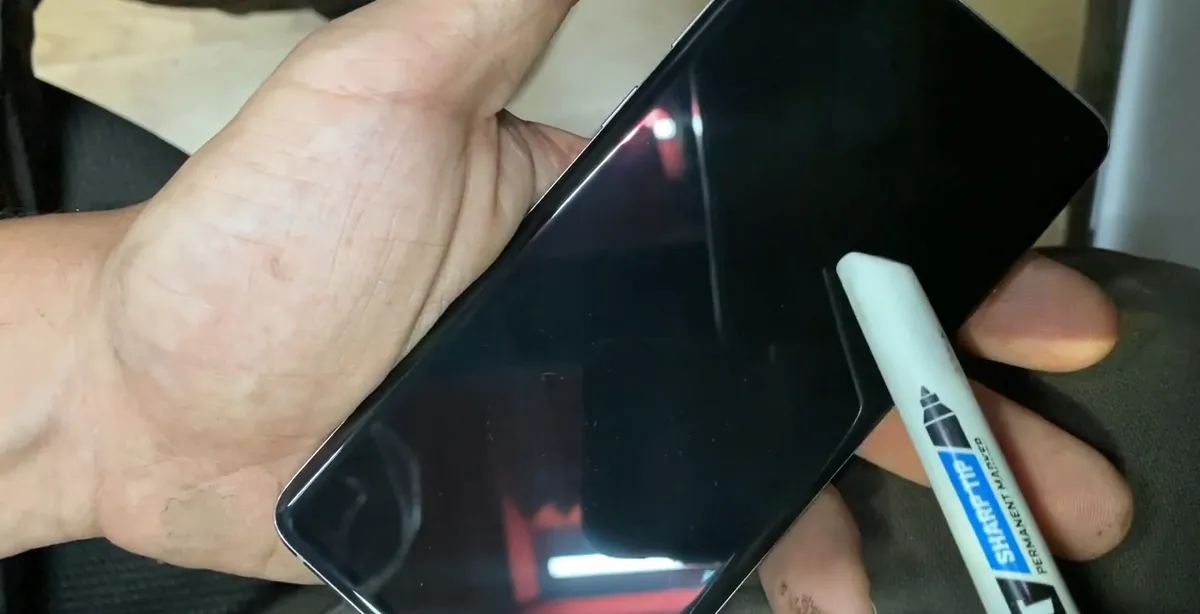
- The damage is very hard to see. You need very good eyes, and you may need to try several angles and lights.
- Clean the glass first with a soft cloth. Fingerprints and smudges can hide the crack or look like one.
Step 6Look for a line like a hair
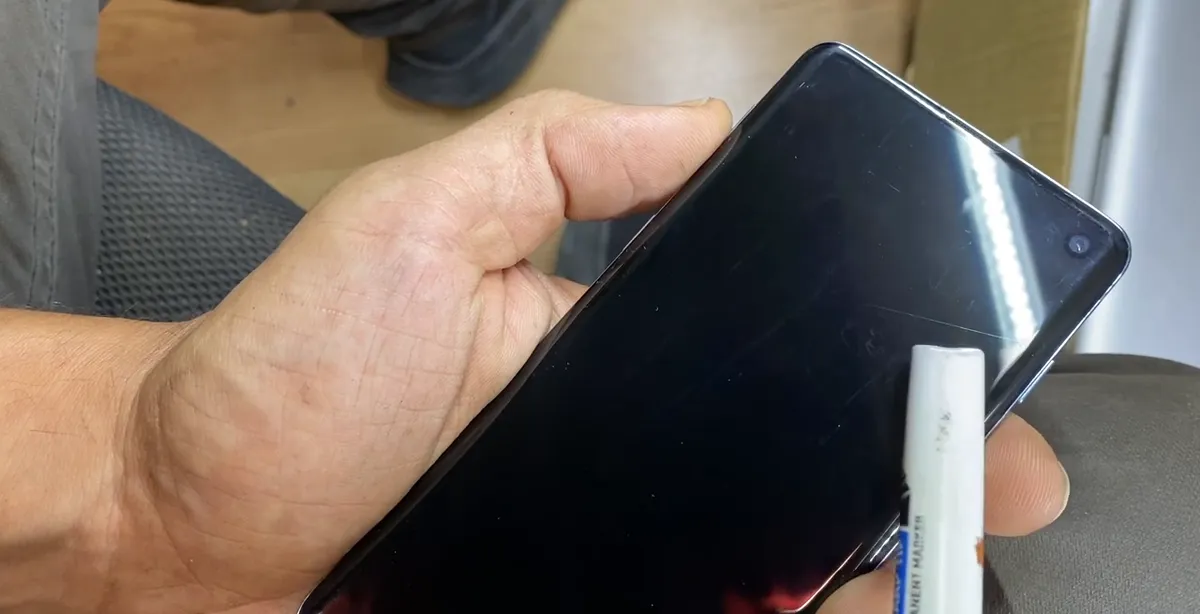
- On the first phone you can barely see something like a hair on the screen.
- That line means the LCD (display panel) inside is cracked, and that is why the phone shows no image.
- If you find a line like that, the whole screen has to be replaced. You can't repair just the inner layer.
Step 7Check the very bottom edge
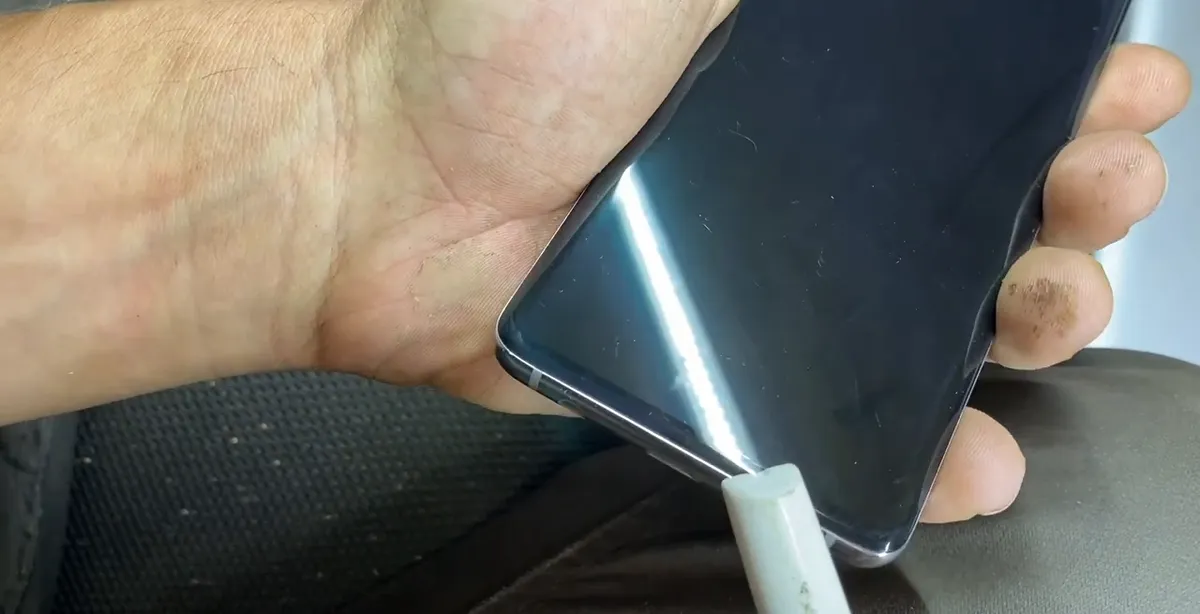
- The second phone is even harder: the crack is tiny, at the very bottom of the screen.
- In the video this was the most difficult one to spot, even after cleaning the glass as much as possible.
- Check all four edges and corners slowly. Curved-edge screens like the S10's are especially easy to crack near the edges.
Step 8Plug it in to see if the phone is alive
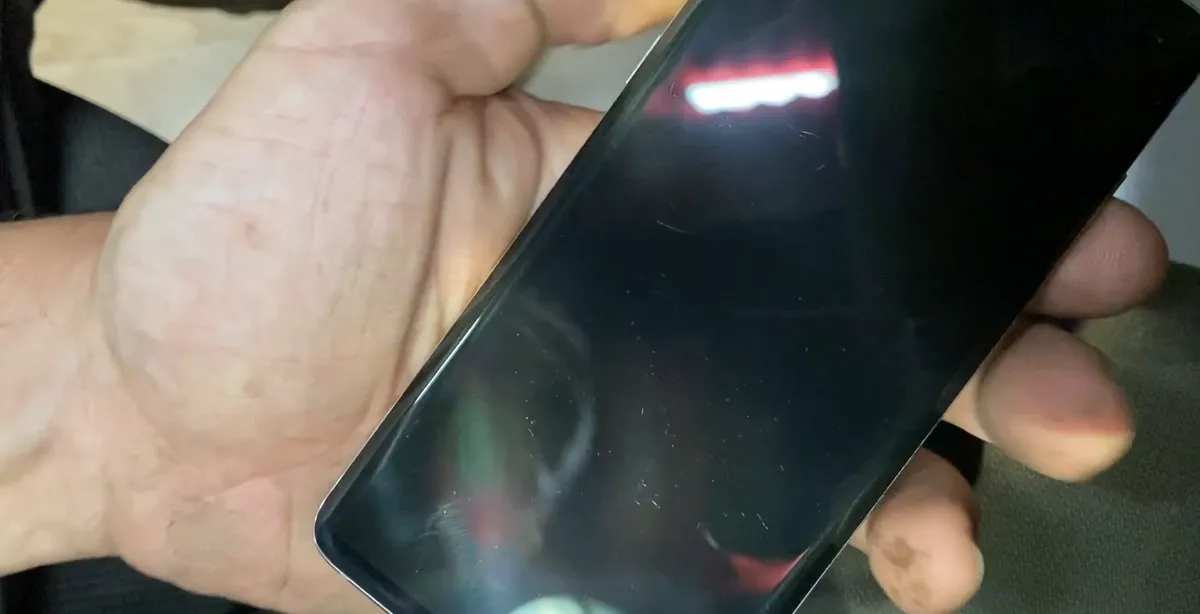
- Connect a charger. The second phone shows a flash on the screen and vibrates.
- That means the phone is working: when you see a crack like that, the screen is bad and the motherboard is most likely good.
- If the phone shows no reaction at all (no vibration, no sound, no flash), the problem could also be the battery, charging port or board.
Step 9Decide: new screen or swap the motherboard
- The recommendation in the video: buy a brand new screen. At the time of the video (2022) they cost about two hundred dollars.
- Another option: swap the motherboard from one phone to another. If you have one phone with a good board and a bad screen, and another with a good screen and a bad board, you can combine them.
- If you bought the phone because the seller said the screen was good, you can also send it back, which is what Gabriel planned to do.
Note: Prices change. Check current prices for your exact model before you decide.
Step 10Use this checklist before you pay
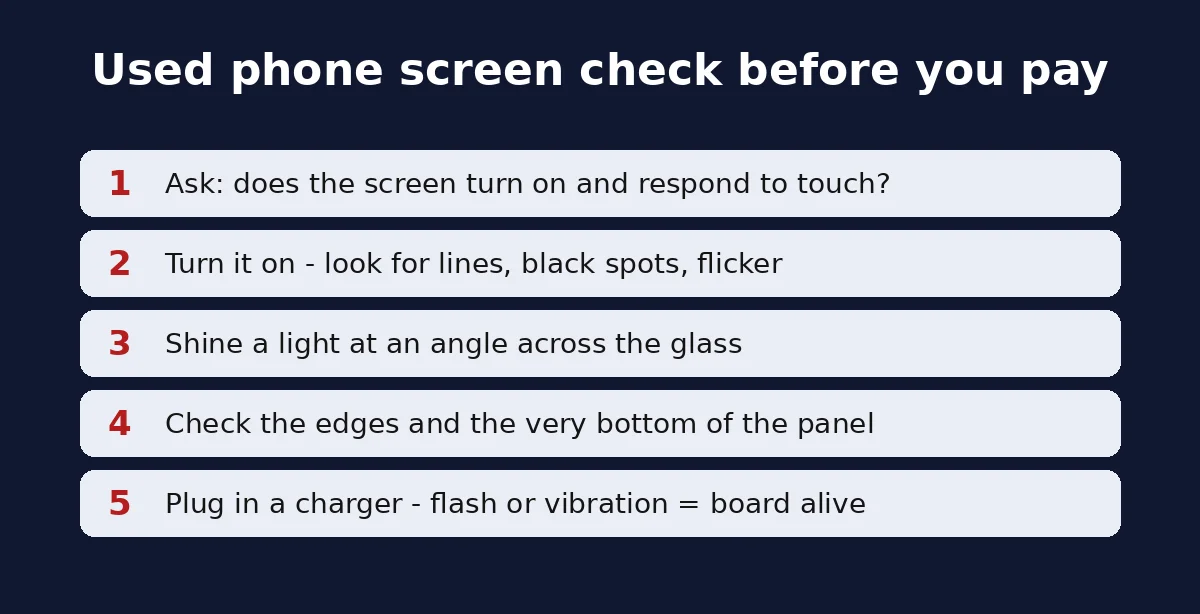
- Ask if the screen turns on and responds to touch, and get proof.
- Turn it on and look for lines, black spots or flicker; shine a light at an angle; check the edges and bottom.
- Plug in a charger: a flash or vibration means the board is alive and the display is the likely problem.
Why a phone screen breaks inside but not outside
A modern phone screen is a sandwich: a top layer of cover glass, a touch layer, and the display panel that makes the picture. They are bonded together, but they are not the same part. A drop can crack the display panel while the cover glass survives, especially when the phone is in a case with a screen protector, as the video explains.
When the panel cracks inside, the damage spreads under the glass. Depending on where it is, you may see a black area, lines, a faint glow, flicker, or nothing at all. On an OLED/AMOLED phone like the Galaxy S10 there is no separate backlight, so a cracked panel often just stays dark or shows black or colored spots.
The hard part is that the crack itself can be thinner than a hair. In the video it is only visible with a strong light at the right angle, and on the second phone it is tiny and at the very bottom edge.
Signs of internal LCD or OLED damage
| What you see | What it usually means |
|---|---|
| Black screen, but the phone vibrates or makes sounds | Display panel damaged, board working |
| Faint glow only in one area | Part of the panel still lights, rest is broken |
| Screen blinks or flickers | Damaged panel or loose display connector |
| Thin line like a hair under the glass (with a light) | Internal crack in the display panel |
| Black or colored spots that spread | Panel damage, often after a drop or pressure |
| Lines (green, white or colored) | Panel or connector damage |
| No vibration, no sound, no charging | Could be battery, charging port or motherboard, not only the screen |
The first and fourth rows are exactly what the video shows: a black or barely lit screen, a hair-like line, and a phone that still flashes and vibrates when plugged in.
How to test a used Samsung screen before buying
If the screen works at least partly, you can test it more completely before you pay:
- Open the Samsung Phone app and dial the code *#0*# (no need to press call). On many Galaxy models this opens a hidden test menu.
- Tap Red, Green and Blue to fill the screen with one color and look for spots, lines or areas that don't change.
- Tap Touch and trace the grid; every square should turn green.
- If the code does nothing (some carrier models block it), use Samsung Members > Support > Phone diagnostics instead.
These tests don't help if the screen shows nothing at all, which is the case in the video. Then the light test and the plug-in test are what you have.
Note: also check that the phone is not locked to an account and that the IMEI is clean before buying. A perfect screen doesn't help if the phone can't be activated.
Is it the screen or the motherboard?
The quick check from the video works on most phones: plug in a charger and watch and listen.
- Flash, vibration, charging sound = the motherboard is running. The display is the likely problem.
- No reaction at all after charging for a while = the problem may be the battery, the charging port, or the board. A new screen may not fix it.
This matters because a new screen is the expensive part. In the video, the phone flashes and vibrates, so the motherboard and everything else are good and only the screen needs to be replaced. If you are moving accounts or two-factor codes to a new phone during a repair, see how to transfer Google Authenticator to a new phone.
Repair options and costs
| Option | When it makes sense |
|---|---|
| Replace the whole screen | Board works and the phone is worth more than the screen. About $200 for this model in 2022, per the video. |
| Swap the motherboard | You have two of the same model: one with a good board, one with a good screen. |
| Return the phone | The seller described the screen as good and it isn't. |
| Sell for parts | The repair costs more than the phone is worth. |
On curved-screen phones the display is sold as a complete assembly, so you replace the whole screen, not only the cracked layer. If a store or seller refuses a refund for a misdescribed device, see what to do when a purchase is not eligible for a refund for ideas on getting your money back.
Tips when buying a used phone online
- Ask for a video of the phone turned on, showing the screen, and if possible the touch test.
- Be careful with listings that say "powers on", "untested" or "can't test": the seller may simply not know how to check the screen.
- A phone that was always in a case looks perfect outside, but that is exactly the kind of phone that can hide a cracked panel.
- Check the edges and corners with a light when you receive it, before the return window closes.
- Keep the box and labels until you finish testing.
If you also need to check the cameras after buying an iPhone, see how to fix the missing 0.5x, 1x, 2x and 3x zoom buttons.
Frequently asked questions
How do I know if my phone LCD is damaged inside?
Turn it on and look for a black screen, a faint glow, flicker, lines or spots. Then shine a strong light at an angle across the glass and look for a thin line like a hair under the surface.
Can a phone screen be cracked inside without cracks on the glass?
Yes. The cover glass and the display panel are separate layers. A drop can crack the panel while a case and screen protector keep the glass perfect, which is what the two phones in the video show.
My phone screen is black but it vibrates. What is wrong?
Most likely the display is broken and the motherboard works. In the video, a phone with a cracked panel flashes and vibrates when plugged in.
How do I test a Samsung screen before buying a used phone?
If the screen shows anything, dial *#0*# in the Samsung Phone app and use the Red, Green, Blue and Touch tests, or run Phone diagnostics in Samsung Members.
Can you fix only the inside of the screen?
Normally no. The display is replaced as a complete screen assembly, as recommended in the video.
How much does a Galaxy S10 screen replacement cost?
In the 2022 video a new screen was about two hundred dollars. Prices change, so check current prices for your exact model.
Should I replace the screen or the motherboard?
If the phone flashes or vibrates, the board is fine and a new screen is the fix. If you have two identical phones, you can also swap the good motherboard into the one with the good screen.
What does "powers on, can't test" mean on a used phone?
It means the seller saw signs of life but couldn't see the screen. Treat it as a phone with a probably broken display unless you get proof the screen works.
Watch the video


Comments
Comments appear after Gabriel reviews them.
Loading comments…