

Step-by-step guide
How to improve 4G LTE signal inside a business by moving the antenna outside
Short answer: the most effective way to improve 4G LTE signal inside a business is to put the antenna outside, up on the roof, and bring the signal in with a coax cable. Concrete walls and metal roofs block cellular signal, so an outdoor antenna mounted inside the building is wasted. Point a directional antenna at the tower if the building sits low, and add an amplifier if you need more gain.
Many stores use LTE for internet or as a backup (failover) connection next to the cable modem. Low signal inside means slow internet and dropped connections exactly when you need the backup. In the video, Gabriel finds an outdoor antenna that someone had installed inside a store, and moves it to the roof step by step.
In this guide you will see how to choose the antenna type based on where the cell tower is, how to remove the indoor antenna, drill the wall and run the cable, mount the bracket on the roof, connect the cellular amplifier and LTE router, and finish a clean, safe installation.
In this article
- Figure out where the signal comes from
- Choose omni, directional, or a repeater
- Remove the outdoor antenna installed inside
- Drill the hole through the wall
- Make a path to the network rack
- Mount the bracket on the roof
- Tighten the antenna mast
- Run the cable inside and remove the old one
- Connect the amplifier and LTE router
- Understand the signal path
- Tidy everything with zip ties
- Lock the roof and check the result
- Final installation on the roof
- Why LTE signal is weak inside a business
- Omni vs directional LTE antenna
- Signal boosters and FCC rules
- Troubleshooting weak LTE after installing an outdoor antenna
- Safety and permission on commercial roofs
- Other ways to get internet at a business
- Frequently asked questions
- Watch the video
Step 1Figure out where the signal comes from
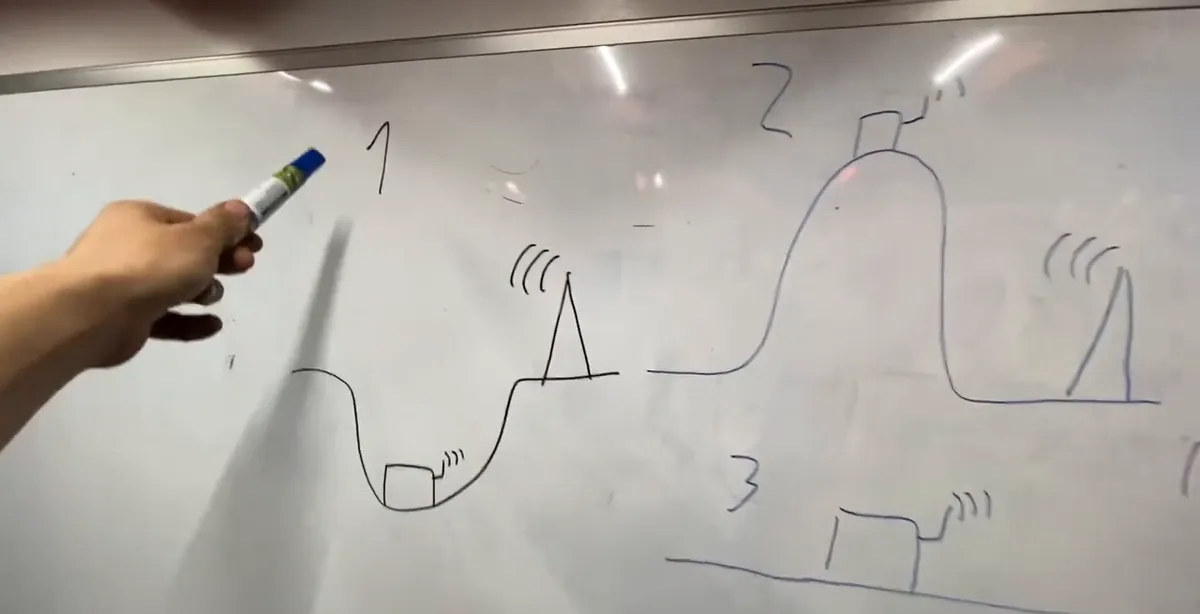
- Before you buy or mount anything, think about where your building is compared to the cell tower.
- The video uses three cases: 1) you are in a valley and the tower is up on the hill, 2) you are on a hill or mountain and the tower is somewhere else, 3) everything is flat, which is the best case.
- On flat ground, simply having the antenna outside should already give you a good result.
Step 2Choose omni, directional, or a repeater
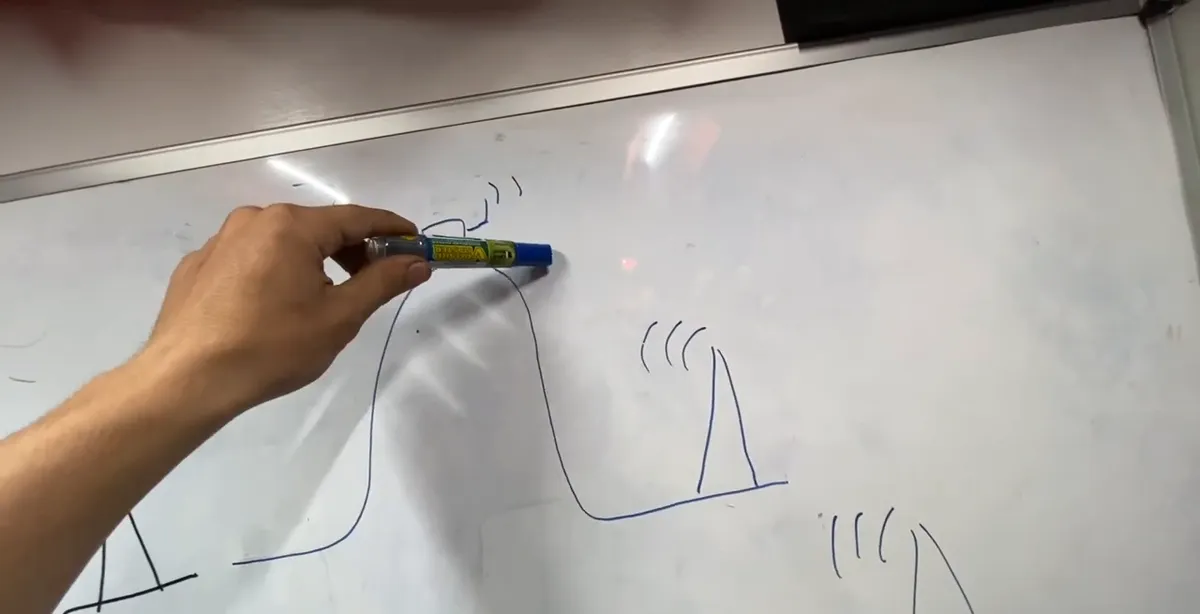
- An omni antenna (like the stick antenna in this job) listens in every direction. A directional antenna, like a panel or parabolic dish, focuses on one direction and can reach a weaker tower.
- In a valley: try a directional antenna aimed at the tower, or put the antenna on a mast as high as possible. A tall tower works best but costs a lot.
- If the hill completely blocks the tower, put another antenna or a repeater on higher ground and make a small wireless link to bring the signal to the building.
Step 3Remove the outdoor antenna installed inside
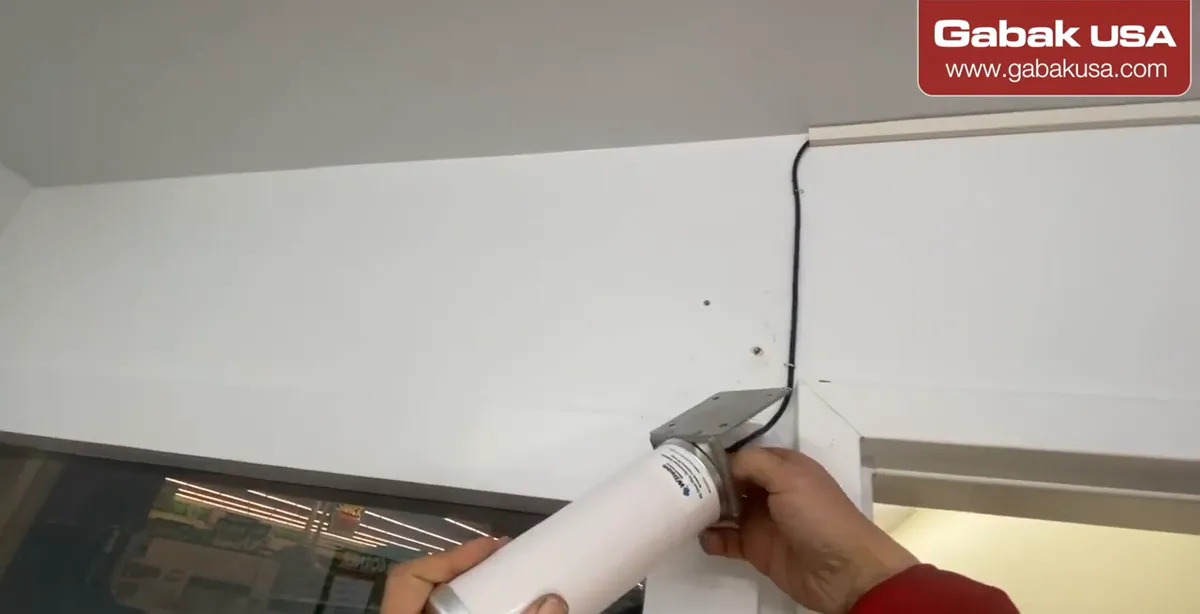
- In this store, someone had installed the outdoor antenna inside the building. Outdoor antennas are made for outdoors.
- Unplug the equipment first, then remove the small screws holding the antenna and bracket.
- The connector on the antenna is hand-tight: just unscrew it by hand, no special tool needed.
Step 4Drill the hole through the wall
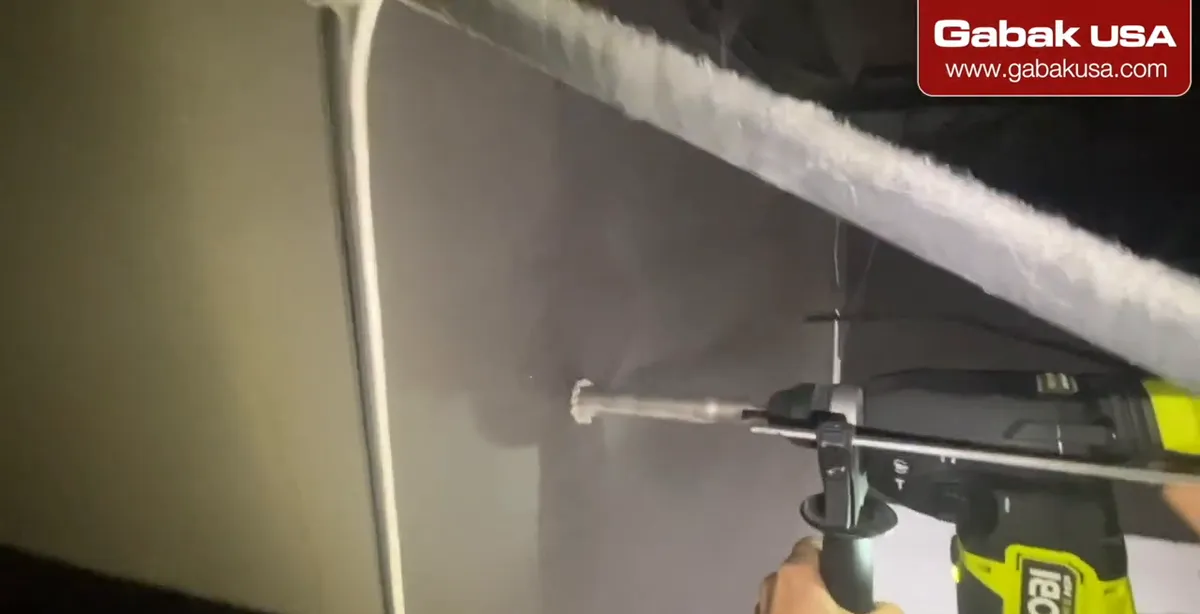
- Go into the back area or warehouse and use a ladder to get up near the roof.
- Drill the hole for the cable through the wall. The video uses a Ryobi HP drill, which was powerful enough for this job.
- Plan the hole so the cable runs through the wall and up the other side to the roof, and keep the hole only as big as the connector needs.
Caution: Check for electrical wires, pipes and structural parts before you drill, and wear eye protection when drilling overhead.
Step 5Make a path to the network rack
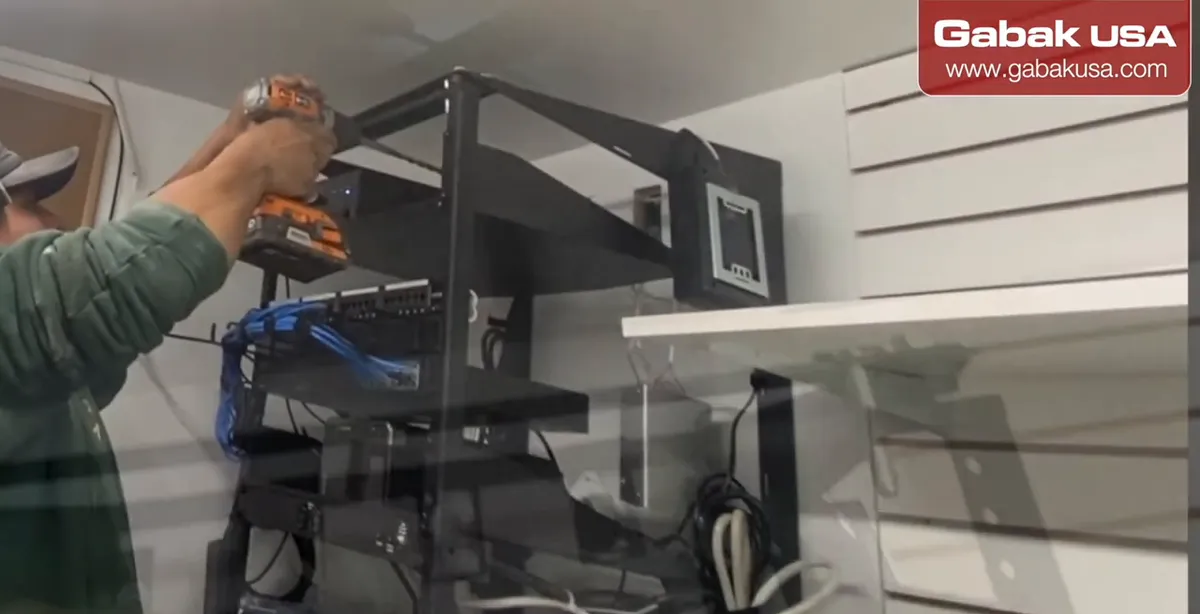
- Inside, the cable has to reach the rack where the LTE router lives.
- In the video, a hole is made in the electrical box with an impact driver/drill so the cable can run through it to the equipment.
- Having a helper makes this much faster: one person feeds the cable while the other pulls it.
Step 6Mount the bracket on the roof
- Outside on the roof, mark and drill a few holes for the bracket.
- Put in the anchors, then the screws. Use four screws if you can, so the bracket is firm and tight.
- The job in the video was done in snow and at night, so take your time and keep your footing safe.
Caution: Working on a roof is dangerous, especially with snow or ice. Use proper fall protection and never work on a roof alone.
Step 7Tighten the antenna mast
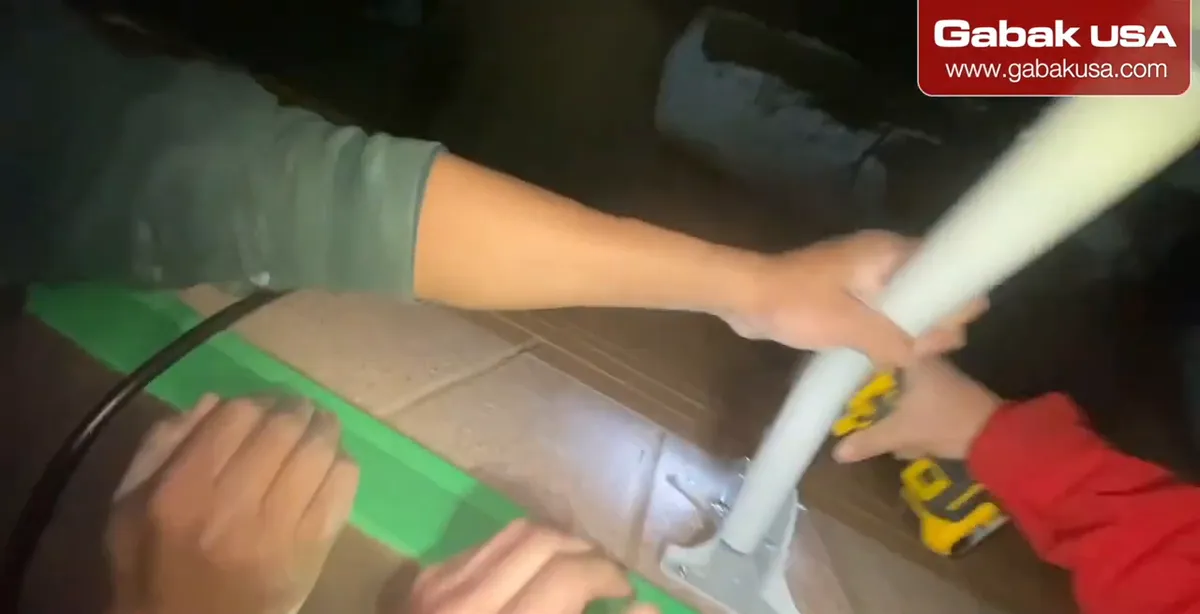
- Fix the antenna mast to the bracket and tighten everything with the impact driver.
- A small mini impact driver is handy for this kind of job.
- Wiggle the mast when you are done: if it moves, add another screw or tighten again. Wind and snow will test it.
Step 8Run the cable inside and remove the old one
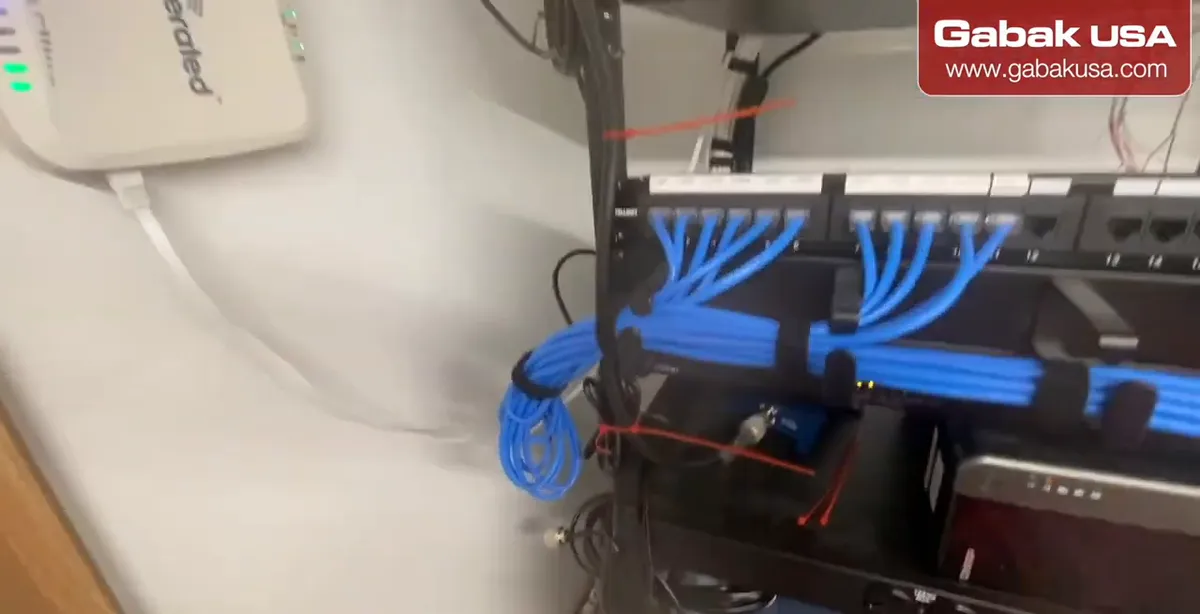
- Run the cable through the hole into the building.
- Remove the old raceway with the old cable, and leave everything the way it should be.
- The kit's cable is thicker than a normal small coax. Thicker cable generally loses less signal over the same length, so don't swap it for a thin one.
Step 9Connect the amplifier and LTE router
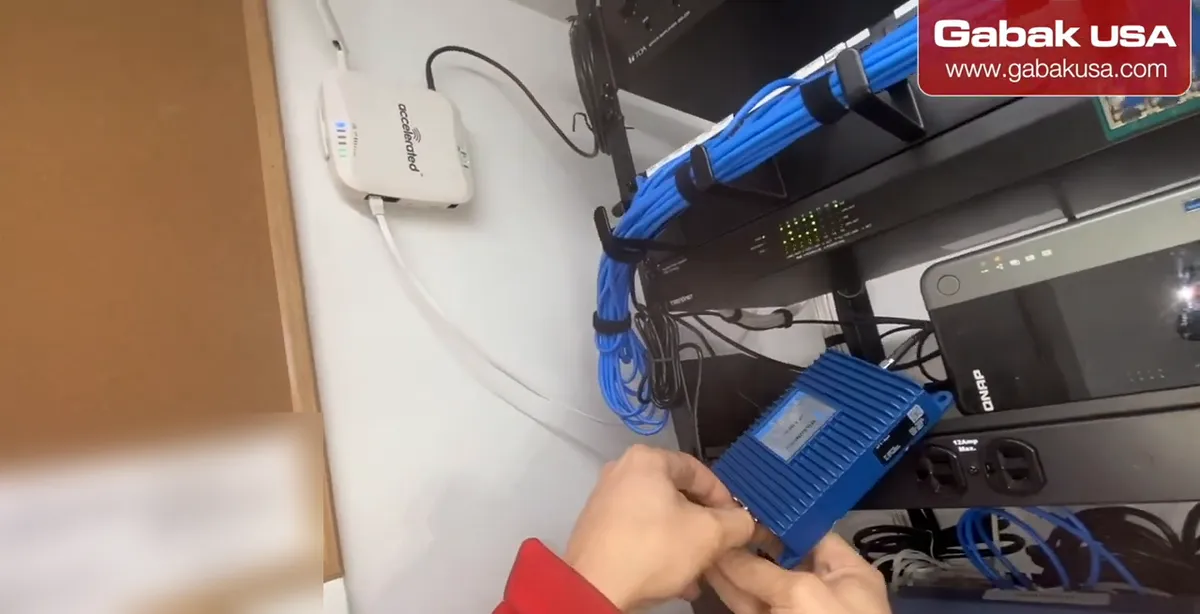
- The video uses an amplifier: one side connects to the LTE router (the white Accelerated unit), the other side to the cable that goes outside to the antenna.
- Screw the connectors in firmly, by hand.
- Leave a small loop of cable inside, so it isn't tight. If someone moves something, the cable won't break.
Note: Signal boosters/amplifiers in the US must be registered with your wireless provider before use (see the FCC section below).
Step 10Understand the signal path
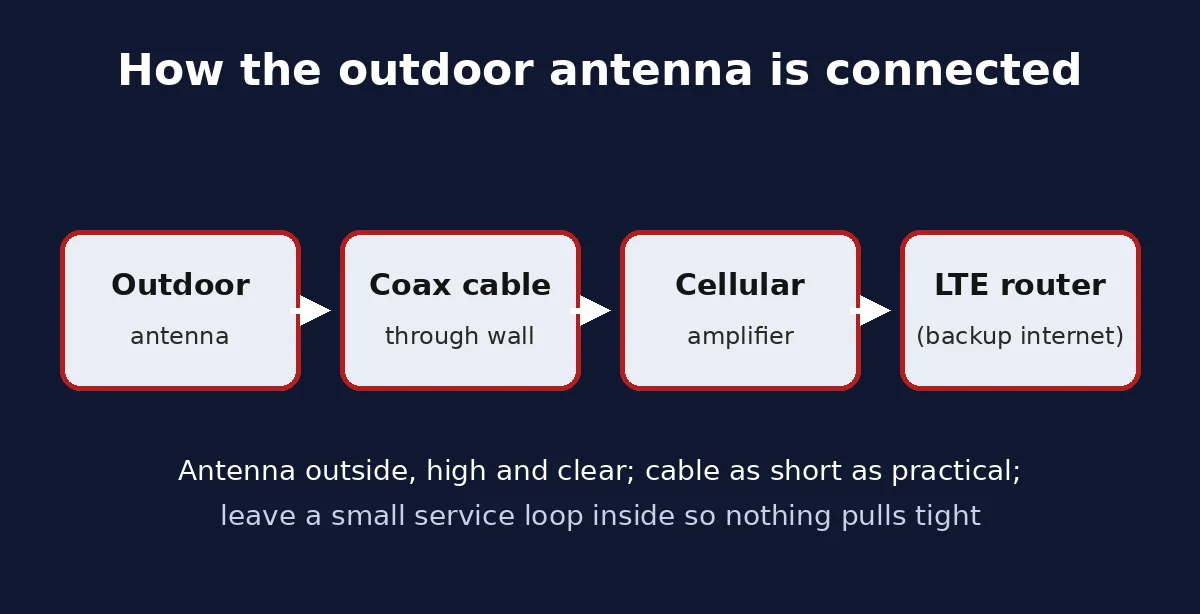
- Outdoor antenna → coax cable through the wall → amplifier → LTE router.
- In this store the LTE router sits next to the cable modem. Some places have no other option than LTE; others, like this one, use it as a backup.
- Keep the cable as short and direct as practical: every extra foot of coax loses a bit of signal.
Step 11Tidy everything with zip ties
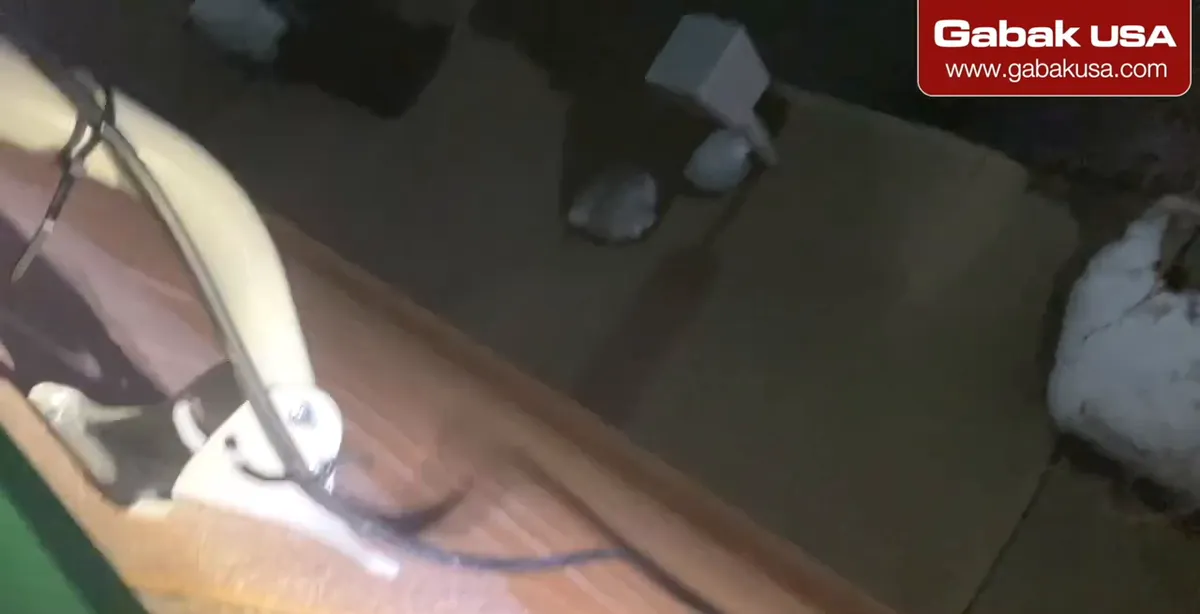
- Use zip ties on everything, inside and on the roof, so the installation looks neat and nothing hangs or pulls.
- Cut the leftover tails of the zip ties.
- In this store the supplies were provided by the business. If not, include them in the customer's bill.
Step 12Lock the roof and check the result
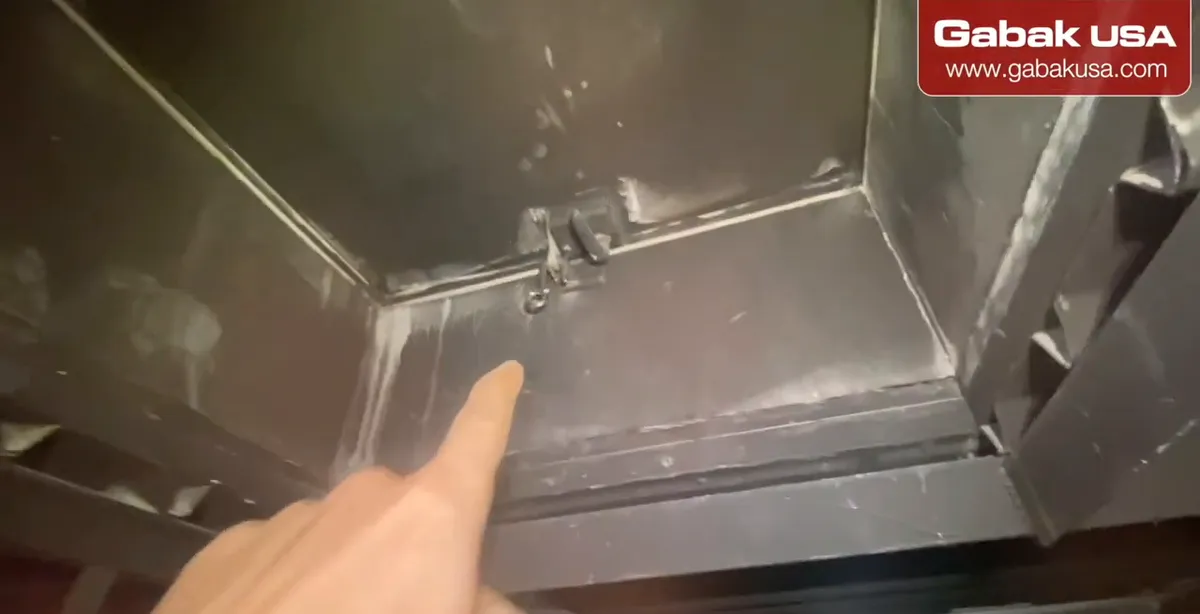
- Before you leave, lock the roof door or hatch.
- Some places already have a lock on the roof access. Ask the manager for permission before going up.
- With the antenna outside, the video reports better signal than before. Check the signal bars or the router's signal page before and after so you can compare.
Step 13Final installation on the roof

- The finished job: the antenna stands on the roof, the cable goes down through the hole into the building and to the rack.
- Everything is secured with zip ties and hooks so the wind can't move it.
- If the signal is still weak after this, go back to Steps 1 and 2: a directional antenna aimed at the tower is the next upgrade.
Why LTE signal is weak inside a business
Cellular signal has to get through the walls and roof to reach a router or phone inside. As the video points out, many commercial buildings are concrete, or concrete with a metal roof, and both block radio signals very well. Metal-coated (low-E) windows, steel racks full of products and being far from the tower or in a low spot make it worse.
That is why the outdoor antenna in this store was useless where it was: an outdoor antenna inside a concrete-and-metal box receives almost the same weak signal as the router itself. Moving it outside, higher and with a clear view, is usually the biggest single improvement you can make.
Omni vs directional LTE antenna
| Omni antenna | Directional antenna (panel, Yagi, dish) | |
|---|---|---|
| Direction | All around | One direction, must be aimed |
| Best for | Flat areas, towers in several directions | Far or weak tower, building in a valley |
| Installation | Simple, no aiming | Needs aiming at the tower |
| Risk | Picks up less from a distant tower | Wrong aim = worse signal |
The video uses an omni antenna on the roof. For a store in a valley with the tower on a hill, the suggestion is a directional antenna pointed at the tower, or a higher mast; if the hill blocks everything, a repeater or small wireless link from higher ground.
Signal boosters and FCC rules
An amplifier or cellular signal booster can help when the outdoor signal is weak. In the United States, the FCC requires consumer signal boosters to be used with the wireless provider's consent and registered with your provider before use. The major carriers have agreed to boosters that carry the FCC label, and registration is free.
The FCC rules also say to use the antennas and cables the booster manufacturer specifies, and to install antennas at least 20 cm (8 inches) away from people. If a booster causes interference, you must turn it off if the FCC or the carrier asks.
Note: a booster amplifies what it receives. If the antenna is still inside the building, you are mostly amplifying a weak signal and noise. Get the antenna outside first.
Troubleshooting weak LTE after installing an outdoor antenna
| Problem | What to check |
|---|---|
| No improvement | Antenna still blocked (parapet, HVAC, signs); go higher or use a directional antenna aimed at the tower. |
| Signal worse than before | Connector loose or not hand-tight; cable kinked; wrong port on the router or amplifier. |
| Signal drops in bad weather | Water in the connector; seal outdoor connections and leave a drip loop. |
| Router keeps switching to backup | LTE signal too weak to hold; check the router's signal readings before and after. |
| Cable damaged later | No slack loop inside, or cable not zip-tied; leave a loop as in the video. |
For the router side of an LTE backup, see how to install the AT&T modem and the 4G LTE Accelerated 6310 in a rack.
Safety and permission on commercial roofs
- Ask the manager for permission before going on the roof, and find out who has the key to the roof access.
- Lock the roof door or hatch when you leave. In the video this is part of the job, not an afterthought.
- Don't work alone on a roof, and be extra careful with snow and ice. In the video the scissor lift even got stuck in the snow.
- Outdoor antenna masts should be properly grounded for lightning protection; follow local electrical code or use a licensed installer.
- Keep the hole small and seal it so water and pests don't get in.
Other ways to get internet at a business
An outdoor LTE antenna improves cellular internet, but it is not the only option. Satellite internet is another choice where cable or fiber isn't available; see Starlink unboxing and setup for how that system connects. If your concern is the opposite, too much radio signal around people indoors, see how to decrease the RF radiation of your router or access point.
Frequently asked questions
How can I improve 4G LTE signal inside my business?
Move the antenna outside, ideally on the roof with a clear view toward the tower, and bring the signal in with a coax cable. Add a directional antenna or an amplifier if the signal is still weak.
Why is cell signal so bad inside my building?
Concrete walls and metal roofs block cellular signals. The video notes these buildings make it very difficult for the signal to get in.
Can I install an outdoor LTE antenna indoors?
It will connect, but you waste most of its benefit. Outdoor antennas are made for outdoors; in the video one installed inside a store was moved to the roof.
Should I use an omni or directional LTE antenna?
Use omni when the area is flat or towers are around you. Use a directional antenna aimed at the tower when your building is in a valley or the tower is far.
Do I need to register a cell signal booster?
In the US, yes. The FCC requires consumer signal boosters to be registered with your wireless provider, with its consent, before use. Registration is free.
Why leave a loop of cable inside?
So the cable isn't tight. If someone moves the equipment, the loop gives slack and the cable or connector won't break.
Do I need special tools to connect the antenna cable?
No. The connector in the video is hand-tight, so you screw it on by hand.
Can LTE be used as backup internet for a store?
Yes. In the video the LTE router sits next to the cable modem as a backup; some locations use LTE as their only internet.
Watch the video


Comments
Comments appear after Gabriel reviews them.
Loading comments…