
Step-by-step guide
How to connect a wireless microphone to a camcorder
What you will do: connect a wireless microphone to a camcorder so your voice is clear even when you are away from the camera, and let a camera operator monitor the audio.
The guide uses a Rode digital wireless mic on a Sony camcorder, then compares it with a DJI kit that can also plug into a phone.
Step 1: Turn the wireless mic on
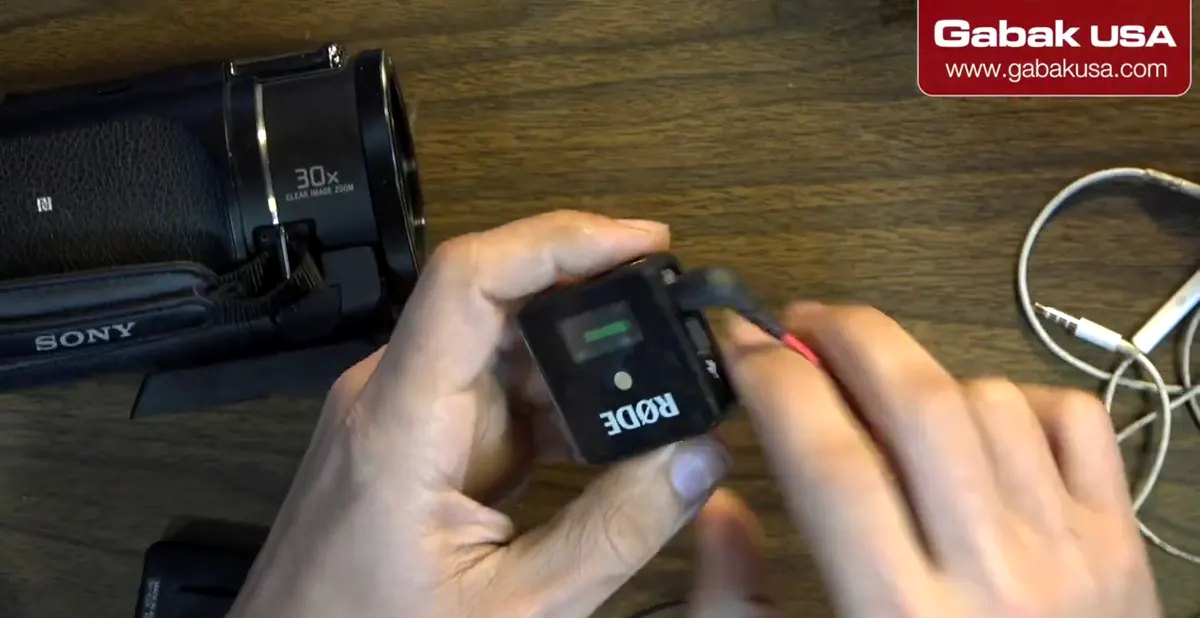
- The Rode is digital, so the signal is very good.
- Hold the button a few seconds to turn it off; press it again to turn it back on.
- Turn on both the transmitter and the receiver.
Step 2: Read the receiver screen: signal, meter, battery
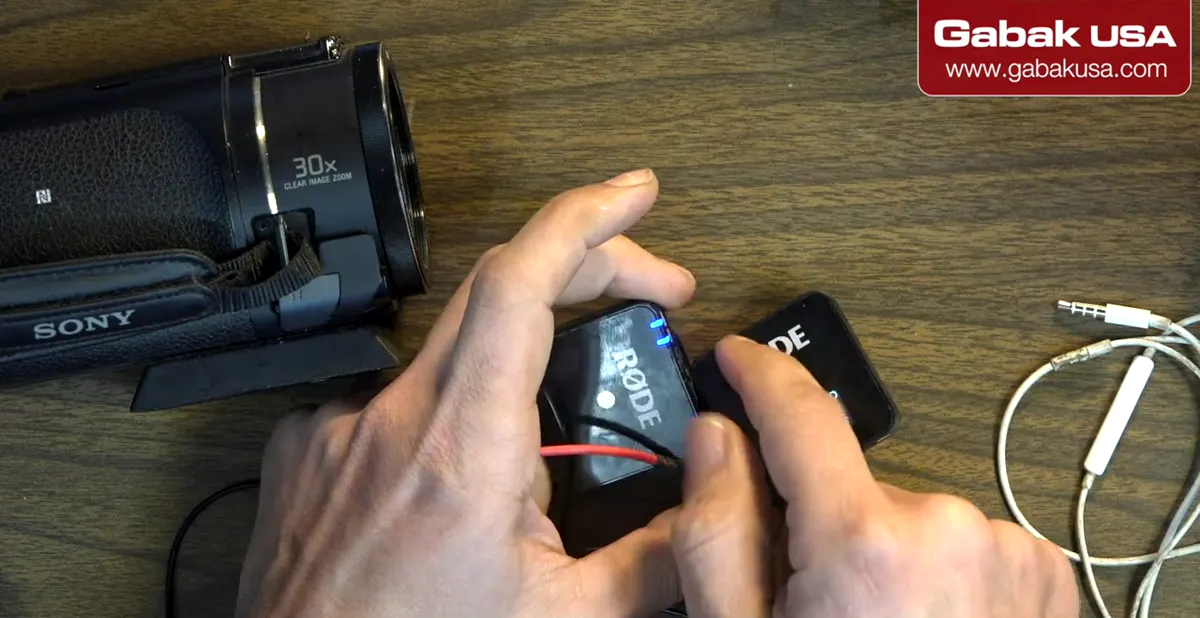
- The screen shows the signal between the two units.
- The level meter moves as the mic picks up your voice.
- You can check the battery of both the receiver and the transmitter there.
Step 3: Plug headphones into the camcorder to monitor
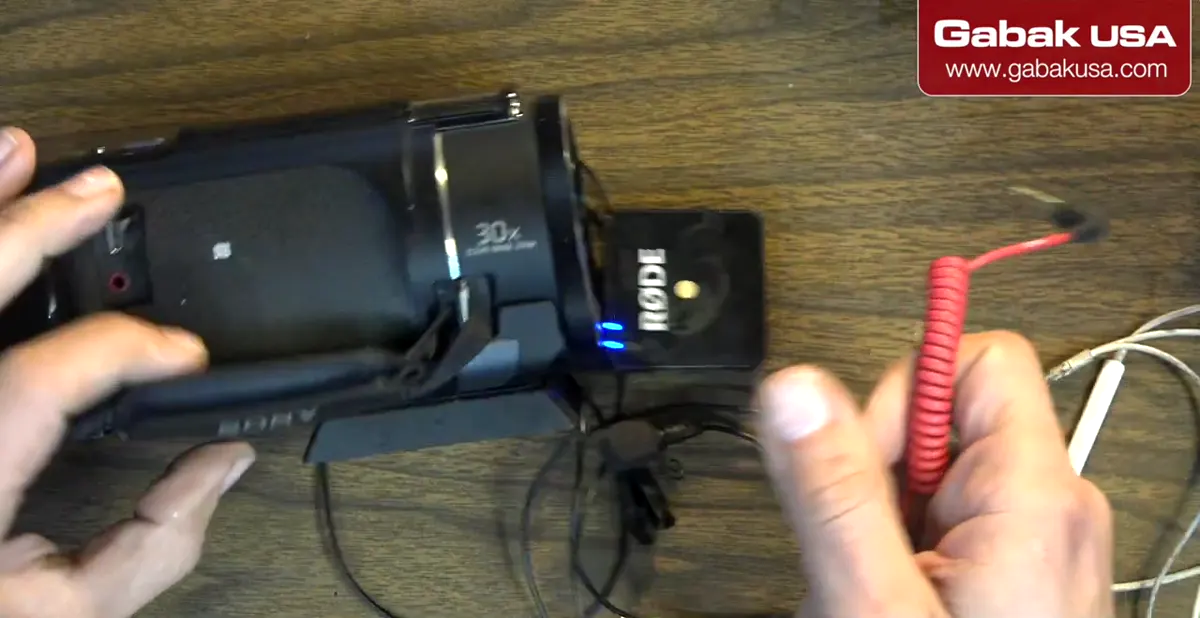
- Find the camcorder's headphone output.
- Plug in headphones, e.g. an iPhone headset.
- The camera operator can check the audio while you talk 6–10 feet away.
Step 4: Plug the receiver into the red MIC jack
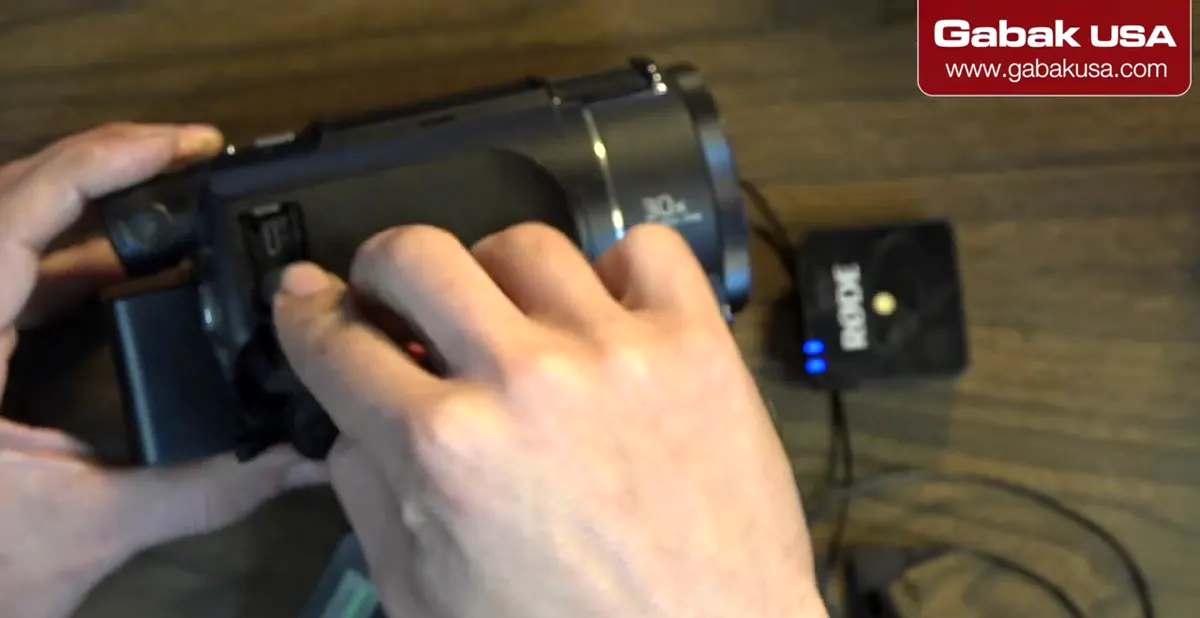
- Connect the receiver to the red port marked MIC.
- On Sony camcorders it usually looks like this. Computers use the same colors: green for headphones, red for mic.
- Plug it in and you are ready to go.
Step 5: Wear the transmitter, or add an external lavalier
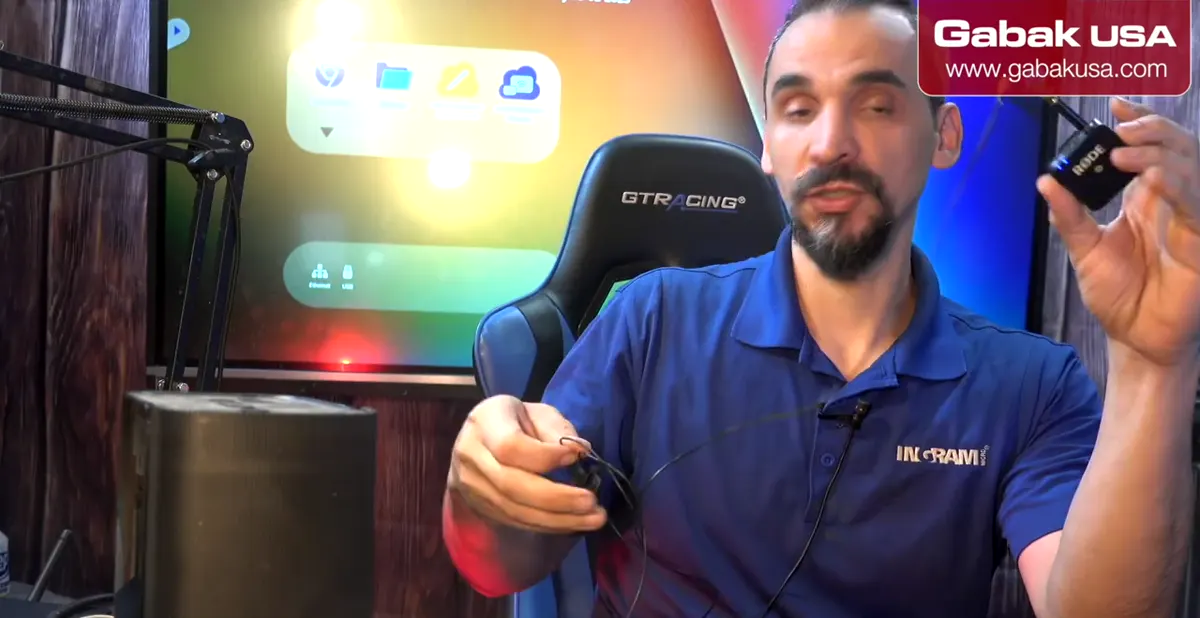
- Clip the transmitter on your chest.
- This model also accepts an external mic. Plug a lavalier in and keep the transmitter in your pocket.
- That hides the transmitter's lights, which can be distracting on camera.
Step 6: Avoid interference: keep one device on battery
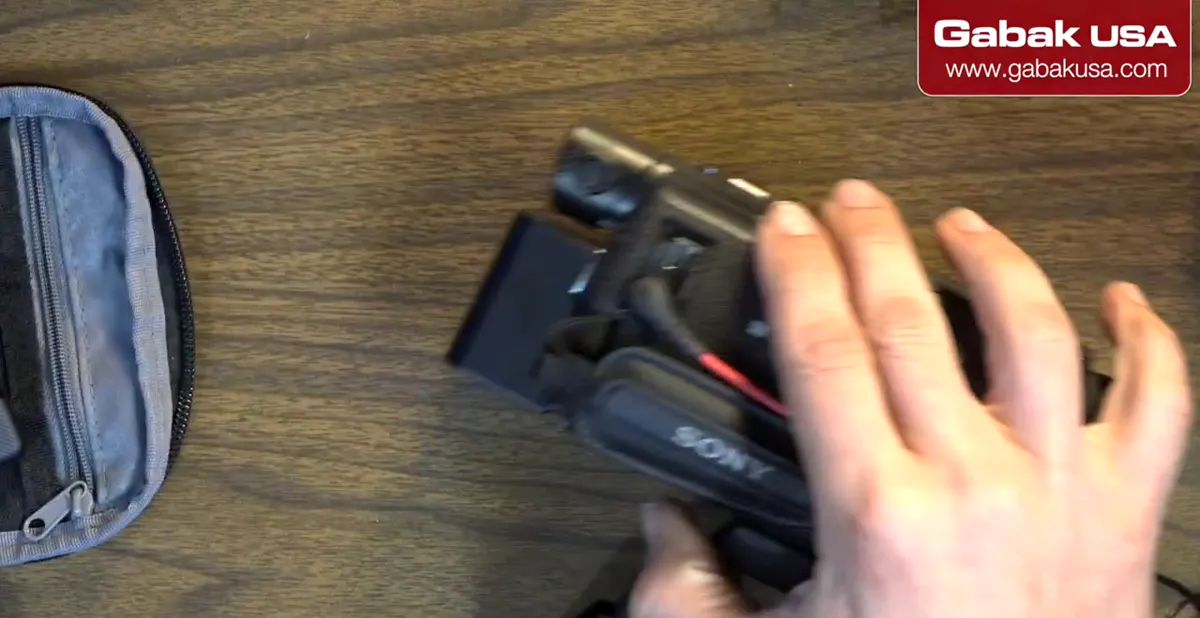
- Rode said the mic is made to be used on its battery. DJI reported the same issue.
- With a Sony AX100, the camera and the mic on external power together gave interference. The AX53 barely showed it.
- Power the mic or the camera from the wall, not both.
Caution: Charging the mic while you use it, with the camera also plugged in, can cause interference.
Step 7: Know the battery limitation
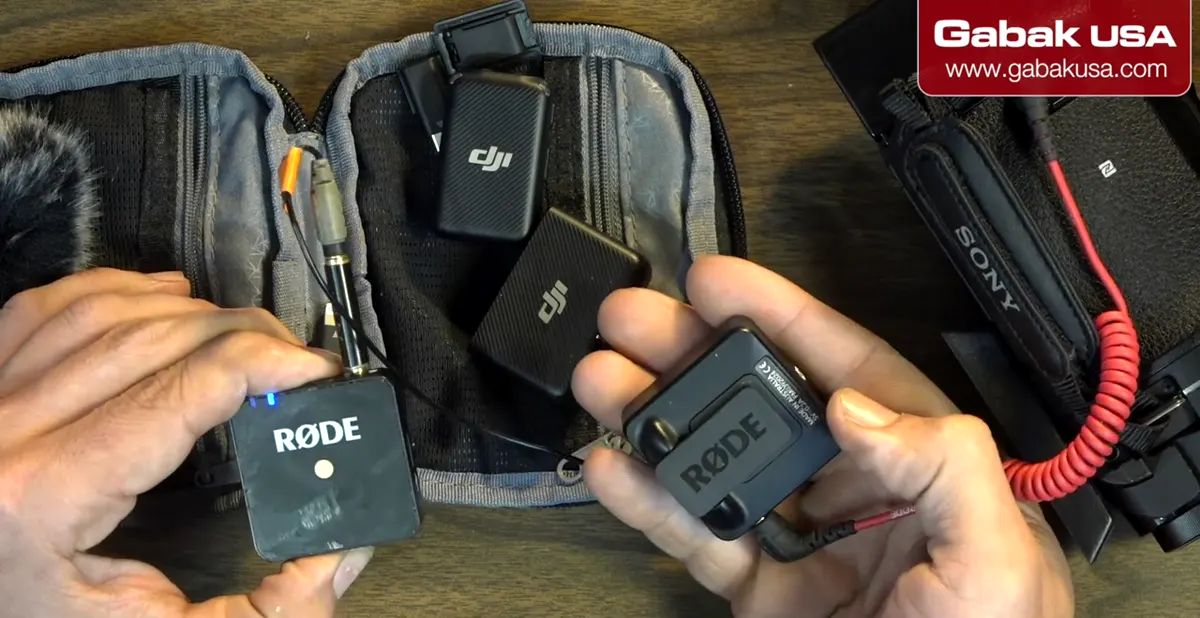
- No screws are visible on either kit; they look glued.
- When the battery dies you may have to throw it away and buy a new one.
- Even if you open it, a replacement battery may not be available to buy.
Step 8: Alternative: a DJI kit that also connects to phones
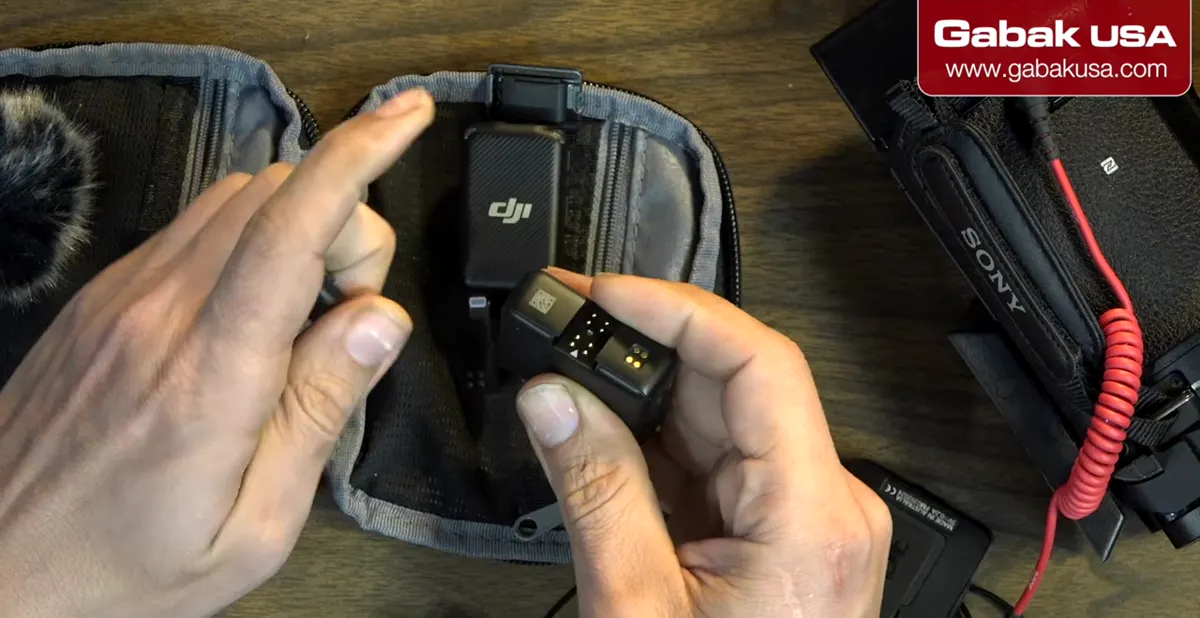
- The DJI has a better look and feel than the Rode.
- Its advantage: it plugs into a phone, using the Lightning adapter for iPhone and USB-C for Android.
- For the phone setup, see how to connect a wireless microphone to an iPhone or Android.
Frequently asked questions
Which port on a camcorder is for an external microphone?
The red port marked MIC. The headphone output is the other jack, used to monitor the audio.
Can I charge my wireless mic while recording?
Not if the camcorder is also plugged in. In the video, having both on external power caused interference. Keep one of them on battery.
Can a cameraman listen to the wireless mic audio?
Yes. Plug headphones into the camcorder's headphone output to monitor what the mic picks up.
Rode or DJI wireless mic for a camcorder?
Both work on a camcorder. The DJI feels more premium and can also connect to an iPhone or Android phone with its adapters.
Watch the video

Comments
Comments appear after Gabriel reviews them.
Loading comments…