
Step-by-step guide
How to buy from Ubiquiti Canada and ship it to the USA with a virtual mailbox
What you will do: buy a Ubiquiti product from the Ubiquiti Canada store when it is sold out in the US, receive it at a Canadian virtual mailbox and forward it to your US address – without paying a reseller markup or a $200 courier fee.
The example is a UniFi Protect ViewPort shipped to Ohio. Costs mentioned in the video: $9.99 for one month of mailbox, about $35 for the online notary and $41 for Canada Post forwarding. To set the device up, see how to watch your cameras on a TV with the ViewPort.
Step 1: Check the US store and reseller prices first
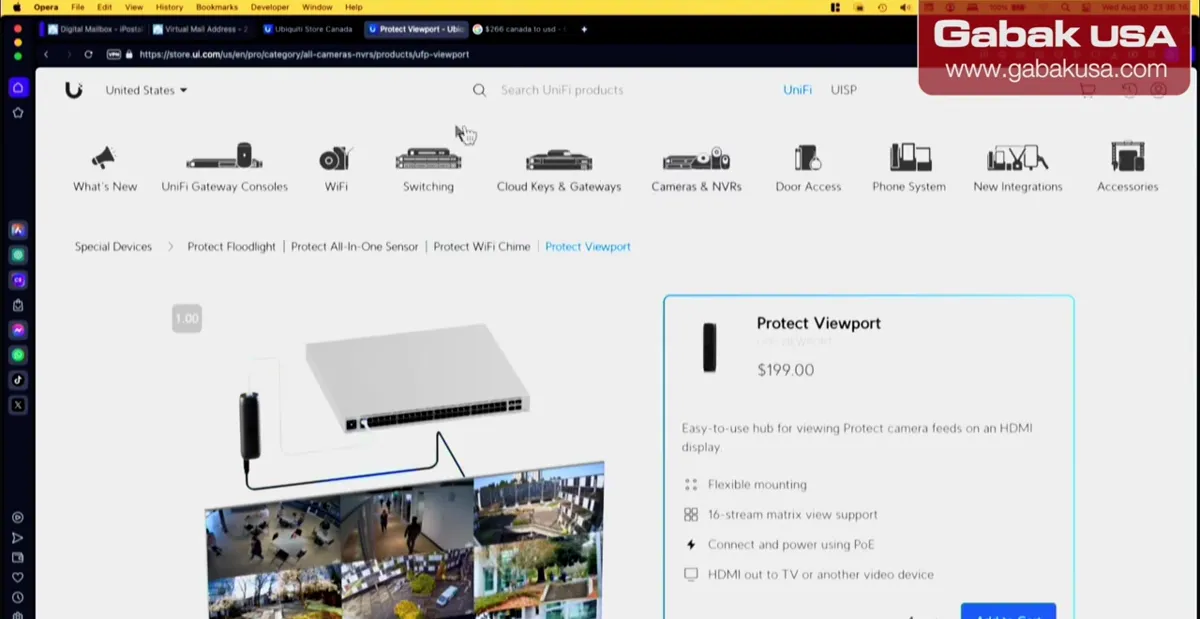
- When the item is sold out at the Ubiquiti US store, online resellers may ask a very steep price.
- In the video the UniFi Protect ViewPort was unavailable in the US and resellers asked about $300–$400 or more.
- Buying from Ubiquiti Canada and forwarding it was the most economical option in this case.
Step 2: Choose how to receive it in Canada
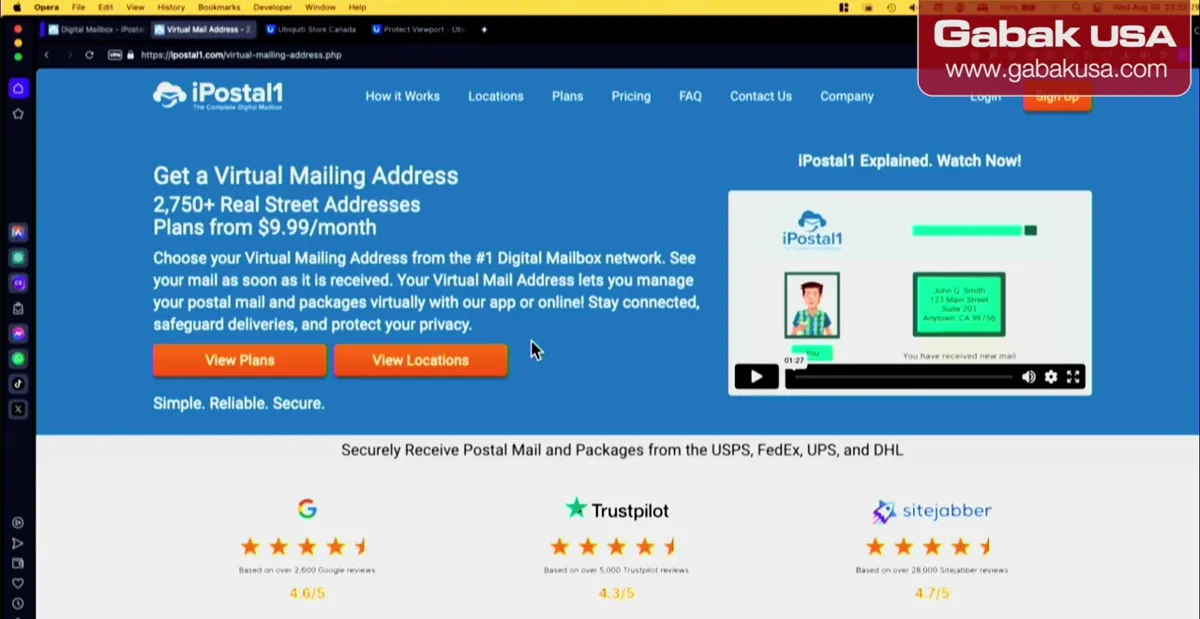
- The Ubiquiti Canada store will not ship to the US.
- Option 1: ship it to a friend in Canada who sends it to you.
- Option 2 (used in the video): open an account with a mail-forwarding service; the video uses iPostal1, chosen for its good Google Maps reviews.
Caution: Some forwarding sites may be scams. The video is not sponsored; check reviews of whatever service you pick.
Step 3: Open the cheapest Canadian virtual mailbox
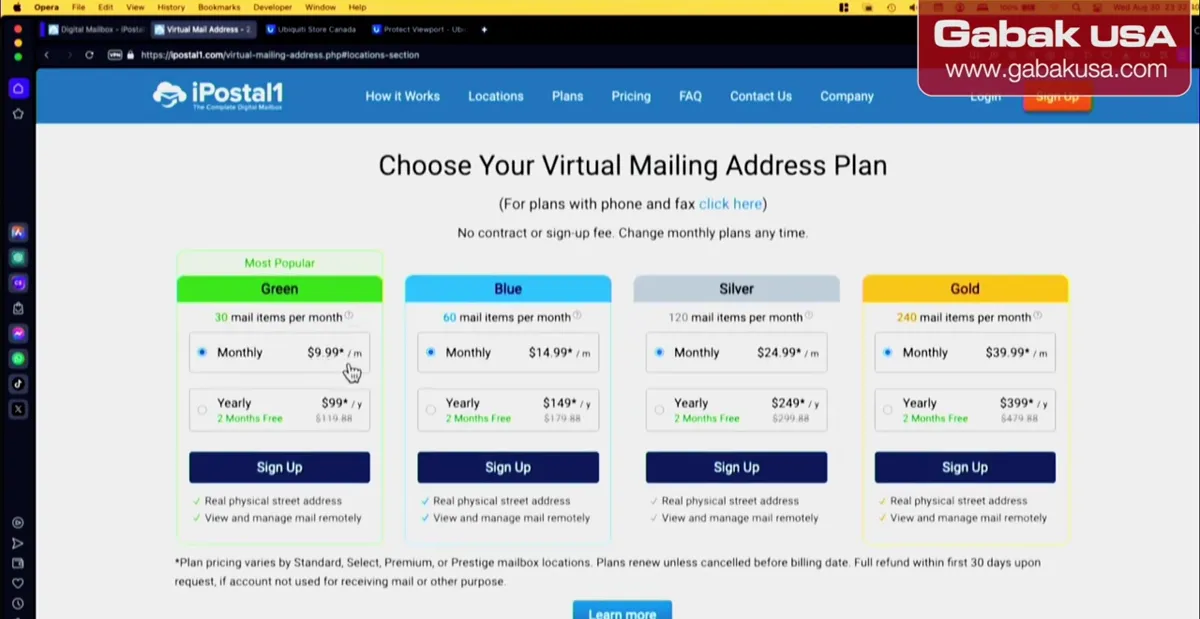
- Pick a plan; the video used the cheapest, $9.99 per month.
- Select International and choose a location in Canada (US locations such as Kentucky or Kansas also exist).
- He paid one month only and cancelled as soon as the product arrived.
Step 4: Order from the Ubiquiti Canada store
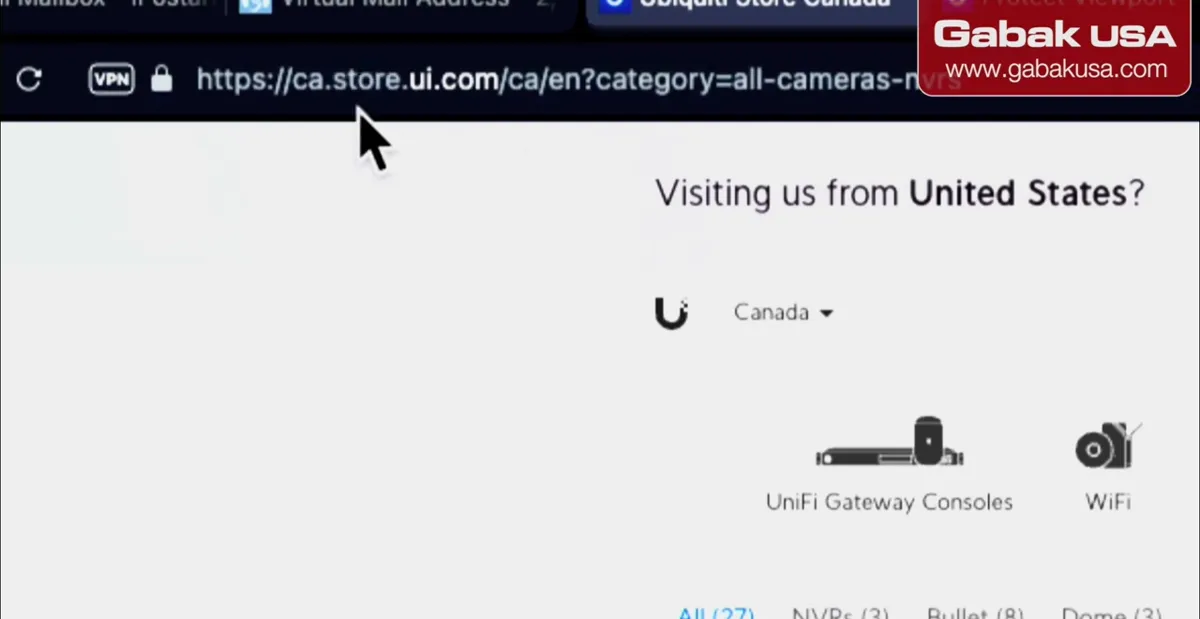
- Go to ca.store.ui.com (or search for Ubiquiti Canada).
- When the site asks if you want the US store, say no and stay on Canada.
- Ship the order to your new Canadian mailbox address.
Step 5: Compare the price in US dollars
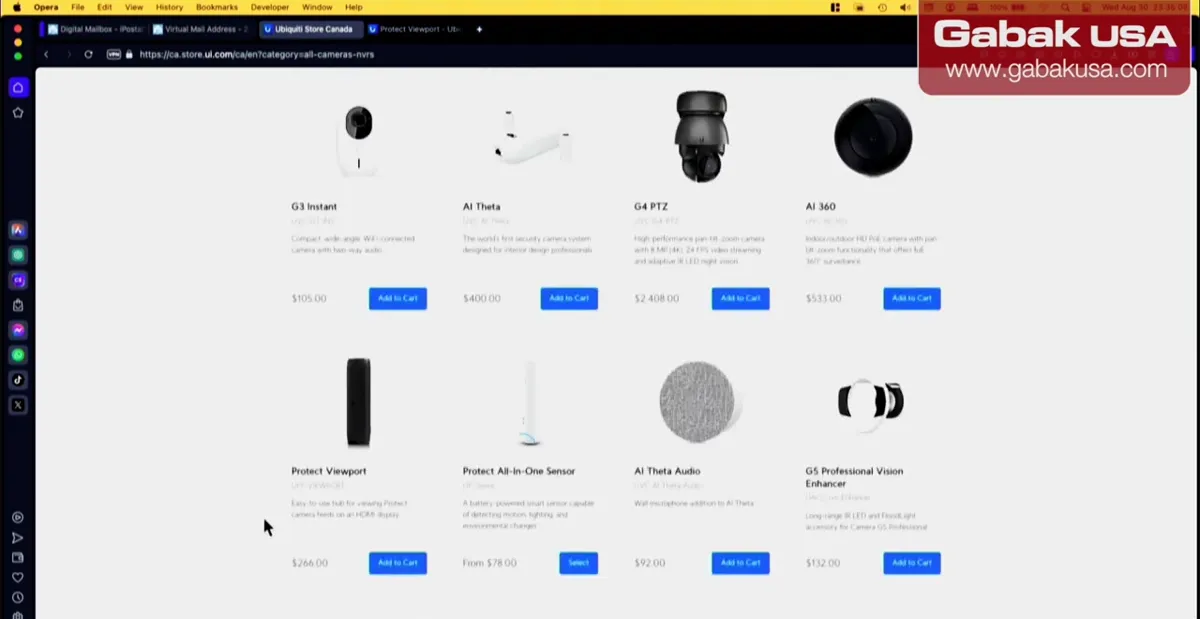
- Prices are in Canadian dollars, so they look higher.
- In the video the ViewPort was 266 CAD, about $195 USD at that time, close to the $199 US price.
- Add a little for taxes and shipping to the mailbox (he did not remember if shipping was free).
Step 6: Track the package and call the receiving location
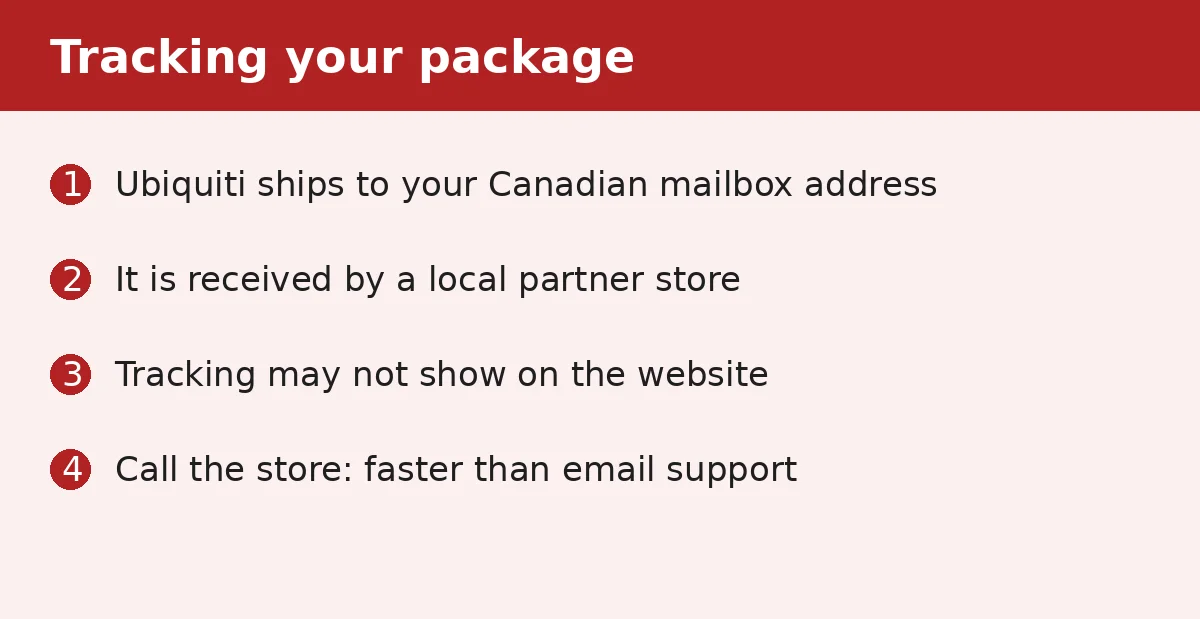
- The package goes to a local partner location, not to an iPostal1 warehouse; in the video it was Robinson's Print and Ship.
- iPostal1 support mostly answers by email and is slow; the local store answered the phone right away.
- Tracking didn't show on the iPostal1 website at first, so he called until the package appeared online.
Step 7: Complete the mailbox paperwork with the online notary
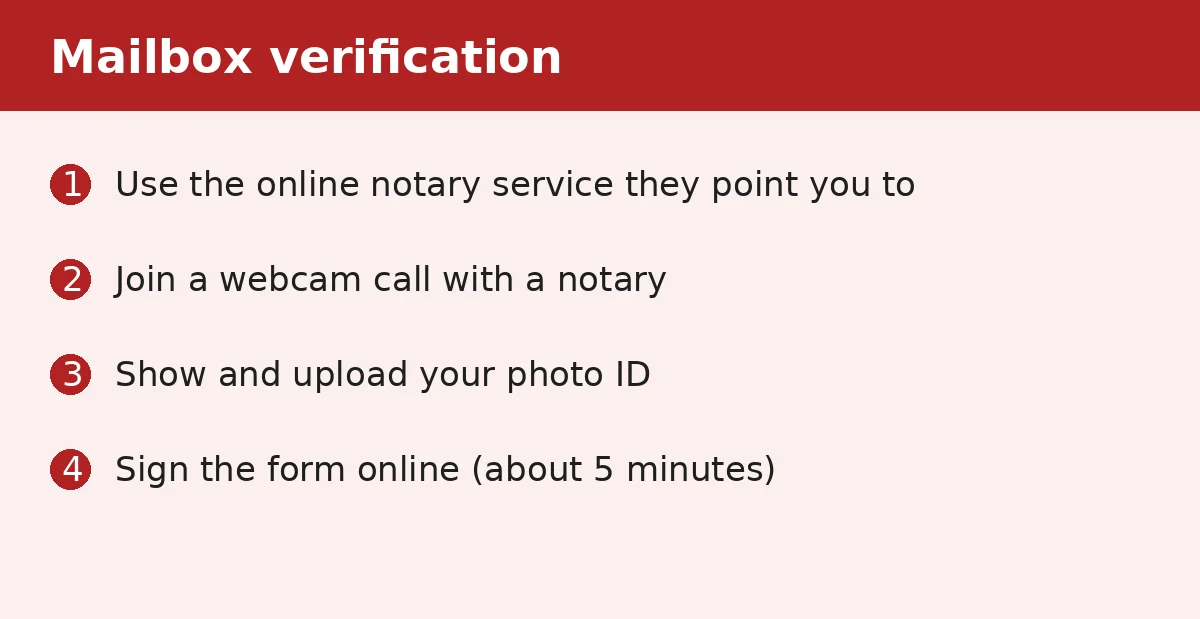
- Before forwarding, the mailbox must be verified with a notarized form plus proof of address (he used his car registration).
- A form he signed in front of a notary at his bank was not accepted; he had to use the online notary website associated with iPostal1.
- It cost about $35, took about five minutes, and you only do it once; then the mailbox is enabled for forwarding.
Step 8: Ask for regular Canada Post shipping, not FedEx or UPS
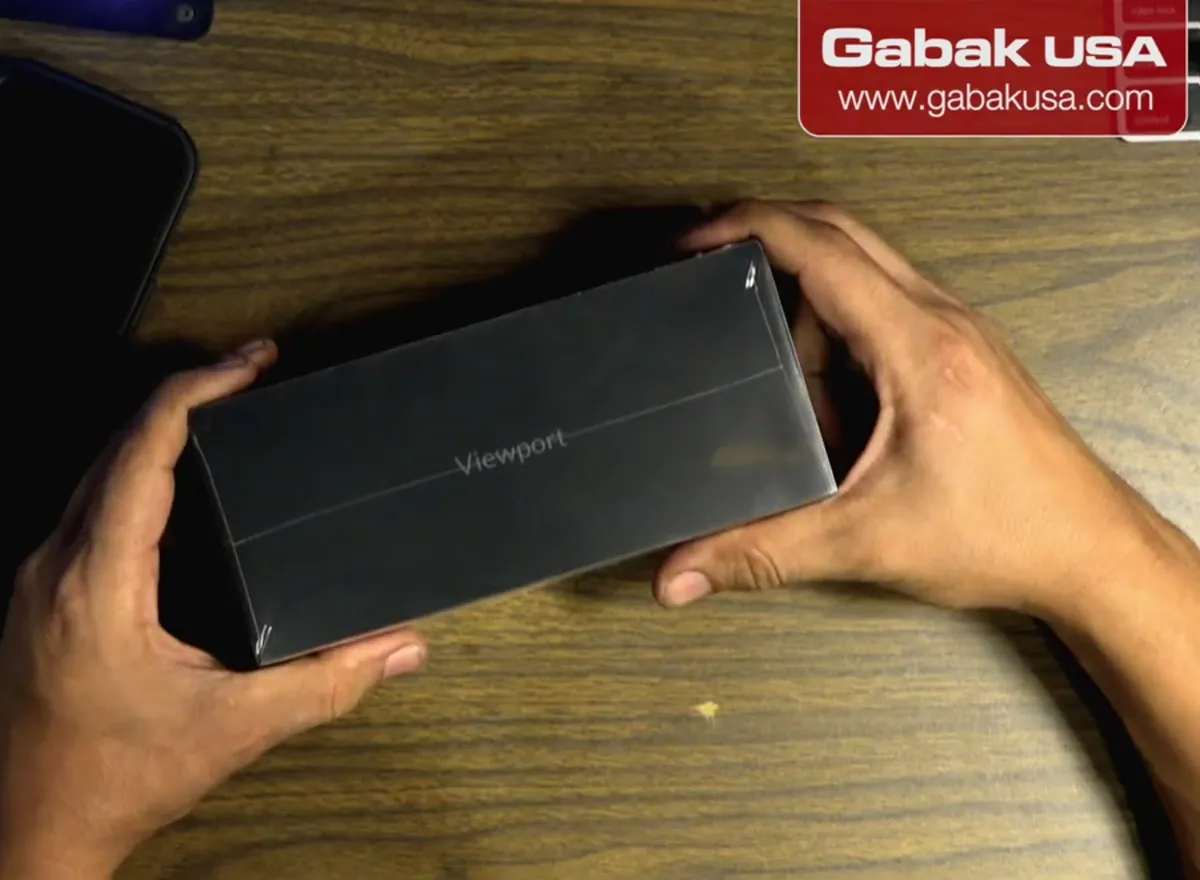
- The forwarding options shown online were FedEx or UPS for about $200, almost the price of the product.
- Contact the receiving store directly and ask them to send it with regular Canada Post mail; in the video that cost $41, charged through iPostal1.
- Expect it to be slower than buying in the US, because it ships twice (Ubiquiti to the mailbox, then to you).
Note: For a very expensive item (like a $3,000–$4,000 laptop) a premium courier may be worth it; for a small product it isn't.
Frequently asked questions
Does Ubiquiti Canada ship to the US?
No. The Canada store won't ship to a US address, so you need a friend in Canada or a mail-forwarding service with a Canadian address.
Is buying from Ubiquiti Canada more expensive?
Prices look higher because they are in Canadian dollars. In the video 266 CAD was about $195 USD, close to the US price, plus some taxes and shipping.
How do I avoid expensive forwarding fees?
Ask the receiving location to send it by regular Canada Post mail. In the video FedEx/UPS was about $200 and Canada Post was $41.
Do I need a notary to use a virtual mailbox?
In the video, yes: the mailbox had to be verified with a notarized form. The in-person bank notary was not accepted; the online notary (about $35, about five minutes) was, and it is a one-time step.
How long does it take?
Longer than buying in the US, because the package is shipped twice: from Ubiquiti to the Canadian mailbox and then to you.
Comments
Comments appear after Gabriel reviews them.
Loading comments…